
 How to download?
Video
Music

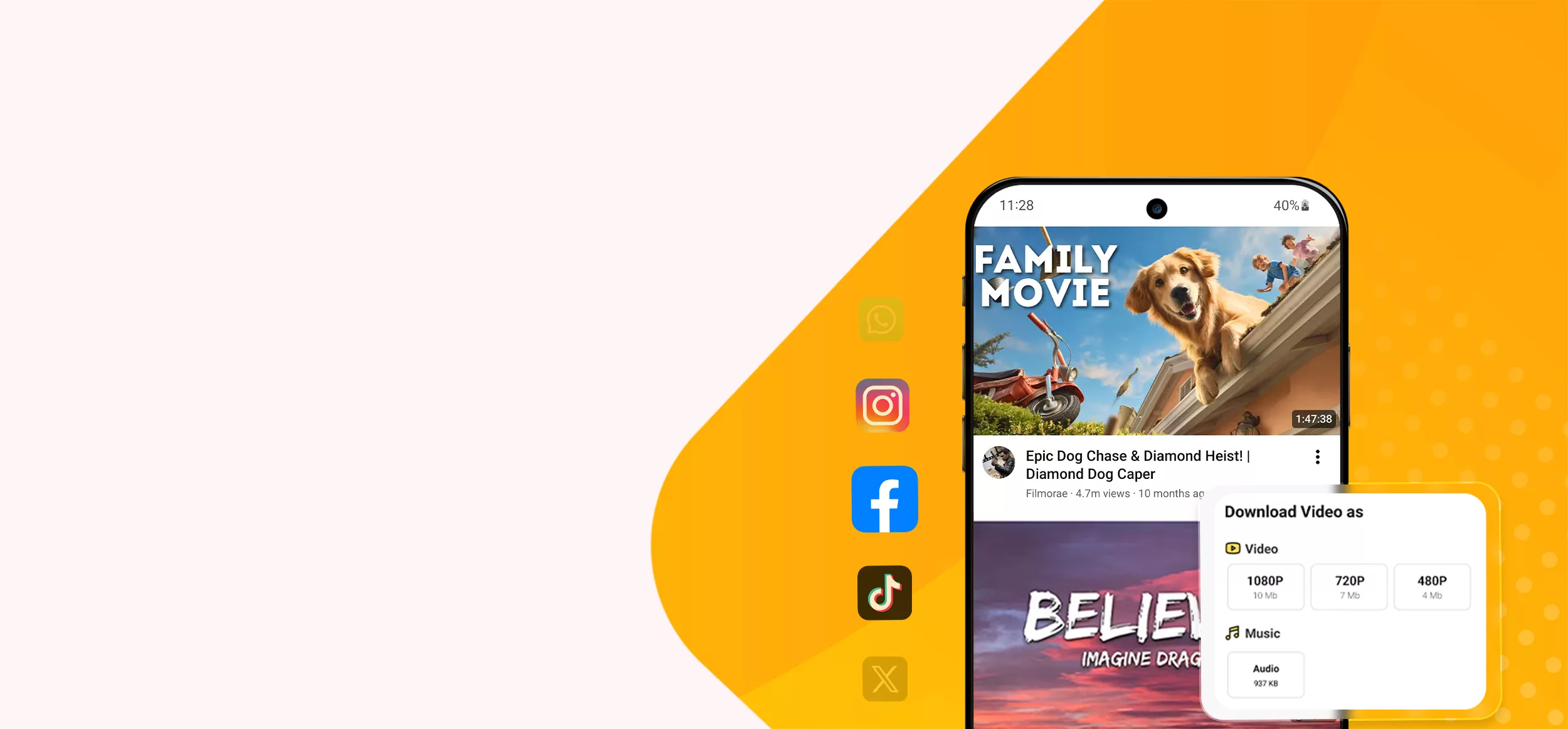
Want unstoppable high quality downloads? VideoSaver gives you every feature and platform. Download the content in HD and Full HD with simple steps. No matter if you’re a beginner or professional, this tool is easy to use.
Your content can do more than just entertain you online with internet access. But it's not always easy to download the content. Everyone in their daily digital lives finds it challenging to save the content to watch offline. There are an abundance of platforms that claim to give you a quick download. Most of the time, those are just claims.
VideoSaver comes to you as the solution to all your problems. It lets you download your Twitch VODs, clips, highlights, and audio in the highest quality available and supports MP4, MP3, and M4A formats.
If you’re someone who enjoys live streaming, you know the pain of missing a brilliant moment. Live streams are amazing in the moment. But they disappear or get buried in VOD (Video on Demand) archives. That is where our online video downloader holds a great place. From start to end, it ensures your clean and secure downloads. Whether you’re a casual viewer trying to save offline entertainment for a long flight, or a game lover saving your favourite game video. Downloaded streams give you total control over your media.
Follow this easy guide and download your content from Twitch in seconds.
1- Go to Twitch and search for the video you want to download to get the link.
2- Insert the link into the downloader box.
3- Select your desired resolution and formats from the options given below the button.
4- Press the download button and save the video on your device in no time.
Not every platform suits every user. VideoSaver gives you multiple platforms to download your favourite content from Twitch. Your first thought of downloading your favourite content, and here with our tool, it happens without switching from one downloader to another for your various needs. Use our tool, which gives you everything on one platform.
This is the easiest way for you to download your videos online. You do not have to install anything on your device. Just use our website and paste the link here.
Best For: Best for the user who downloads the content occasionally and wants quick access.
Making your downloads an easy task, the VideoSaver Google Extension facilitates your steps. Add the Google extension and download while you’re browsing. No time wastage or additional apps.
Best For: Users who download videos frequently.
There are people who love to gather content for their entertainment. And our app is the quickest and simplest way to save your content online for later. Download the app from the Play Store and don’t let your enjoyment stop.
Best For: This platform is best for mobile users and frequent downloaders.
Users can save the highest quality videos, clips, and audio using our Twitch video downloader. Irrespective of device choice, you can download your content with our Web, App, and Google extension.
| Feature Comparison | |||
|---|---|---|---|
| Particulars | Web | App | Google Extension |
| Media Resolution | 144p to 4K | 144p to 4K | 144p to 4K |
| An MP3 Converter | Yes | Yes | Yes |
| Quality Options | Yes | Yes | Yes |
| Ads Interruptions | No | Yes | No |
| Offline Player | No | Yes | No |
| Multiple Downloads | Yes | Yes | Yes |
| Download Status Bar | Yes | Yes | Yes |
| Watermark | No | No | No |
Ever happened that you liked a video on Twitch but you got your hands off the video once you closed the app? This is not a problem anymore. Our tools give you everything you need to download your high-quality content.
Not only Twitch, but you can download your content using our Pinterest Video Downloader and Vimeo Video Downloader. All you have to do is paste the link, and the video will be on your device within seconds. Here is how this tool is the first choice of users.
The real entertainment is with real video quality. Use VideoSaver and download high-quality 480p SD, 720p HD, 1080p Full HD, 4K, and 8K if available. It provides you with consistent video quality.
Without the need to install any other software to remove the watermark, brand logo, and username, it downloads a clean video directly to your device.
If you do not want to sign up for any account and want your downloads without any sign-up. You can go for our free plan and download the content up to 480p SD quality.
You can quickly view the thumbnail of the video, which includes the time duration and file size. It ensures you have pasted the right video link.
Using our tool, you can extract only the audio from a video in an MP3 file. Set it as a ringtone or save it in a music playlist.
Our tool gives you a smooth downloading process with no ad interruptions or redirect pages. Copy, paste, and download the video in a few seconds without any disturbance.
Cross-Device Compatibility
To ensure your download is hassle-free, our tool gives you device choice. It makes you free from switching devices to save your online content. Use this server on iPhone or Android, Mac or Desktop, according to your preference.
Whether you're a dedicated viewer or a multi platform content creator. Our tool makes it fast and effortless for you to save and work with Twitch videos. No matter who you’re, VideoSaver is best for all.
If you are a Twitch viewer, then you can save your favourite content. Whether a VOD, highlights or memorable moments. Use it to view offline or for personal archive.
You can download your broadcasts and keep backups of your streams. Get your footage to edit it or repurpose it in a few seconds.
Turn your downloaded content into Highlights, shorts or YouTube videos and many more. Just download one time and use it for multi purpose.
Anyone who is a game or esports lover can save important matches, memorable plays and tournament footage for personal use and projects.
If education or research is your background, this downloader is for you. Save publicly available Twitch content for educational purposes or to watch later.
For your ease and needs, VideoSaver gives you Free and Premium Plans. See the specs given below in the table. And choose according to your requirements.
| VideoSaver Free Plan and Premium Plan | ||
|---|---|---|
| Particulars | Free Package | Premium Package |
| Account Setup | No login or account required at all. | Sign in to your account to use premium features. |
| Video Resolution | Standard definition up to 480p. | Better clarity above 480p. 720p HD, 1080 Full HD, 4K, and 8K if available. |
| Credits Needed | Totally free, zero credits to worry about. | You get 10 free credits right when you sign up. |
| Download Limits | As many downloads as you want up to 480p. | Uses just one credit per video download. |
| Credit Purchase Policy | No need to buy any credits at all. | Feel free to grab a credit package when you want. |
If you’re getting everything under one roof, it is a pleasure. Our tool is the platform that gives you every feature required to download premium-quality content on your device.
We ensure you the fastest and most reliable downloading process. After clicking the download button, the video lands on your device in no time.
Up to 480p quality, it allows you to download endless videos and audio from Twitch.
Do not need to reveal who you are. Your account information remains completely private and undisclosed. We respect your choice of privacy and keep you off the record.
VideoSaver decodes the video link in seconds and checks for available video and audio qualities. No long waits, and the video is on your device screen in a blink of an eye.
Download your video on your desired device with no audio lag, and it stays perfectly synchronised from start to end.
Why change the language you speak? Just change your downloader. Our server allows you to use this tool in 12 different languages, removing the language barrier.
Video Saver makes it effortless to download videos, audio, reels, shorts, and photos in just a few clicks. Built for speed, privacy, and a smooth experience, it works seamlessly across both mobile and desktop browsers.

Our server processes the link in seconds. Paste the link, and VideoSaver automatically detects the source.

Our server allows you to use this tool in 12 different languages, including Spanish, Hindi, English, and more.

Select your preferred video quality, from 144p up to 4K, and save videos in the best available resolution.

Supports YouTube, TikTok, Instagram, Facebook, and more.

Download your favorite content on Android, iPhone, Mac, Linux, or PC.

Your privacy matters. VideoSaver operates locally and stores no history or personal information.
Twitch media may be protected by copyright, trademark, privacy rights, or platform terms. A public post or video does not automatically give permission to reuse, repost, edit, or commercialize the file. You are responsible for checking the original source and using media only when you have the right to do so.
VideoSaver is a multifunctional downloader that saves Twitch videos in HD and Full HD, 4k and 8k if available. The supported formats are MP4 and MP3 files.
Yes. If you want to download media at up to 480p resolution, you can save videos to your device for free. For extra perks and high quality, avail yourself of our Premium plan.
Yes. Download unlimited content up to 480p video quality using our tool. For premium features, check our table plan given above.
VideoSaver, with its wide compatibility, supports the most popular MP4 and MP3 formats.
Those of Twitch VOD consist of multiple hours and heavy data streams. Large file sizes naturally take a little longer to process and download depending on your internet speed.
This is a rare issue faced by users. If you have this issue, check your PC to see if it lacks the necessary media codecs. Make sure your player is up to date, or try other players.
No. You can not download live broadcasts while they are happening. You can download the video once the streaming is completed.
Yes. Download the videos without any watermark on your content with our online Twitch video downloader.
For the best experience in downloading the content, VideoSaver is the best option. Save the videos in original quality.
Yes. The VideoSaver app is available on the Play Store. Get the app on an Android phone and download the content seamlessly.
Yes. For personal use downloading Twitch videos is generally acceptable. You should respect the copyrights of content creators.
Yes. Using VideoSaver, you can extract your favourite audio in an MP3 file. Simply copy the link of the video, paste it in the search bar, and select your desired format.
Join millions of users who rely on Video Saver for fast, easy, and reliable downloads