
 How to download?
Video
Music

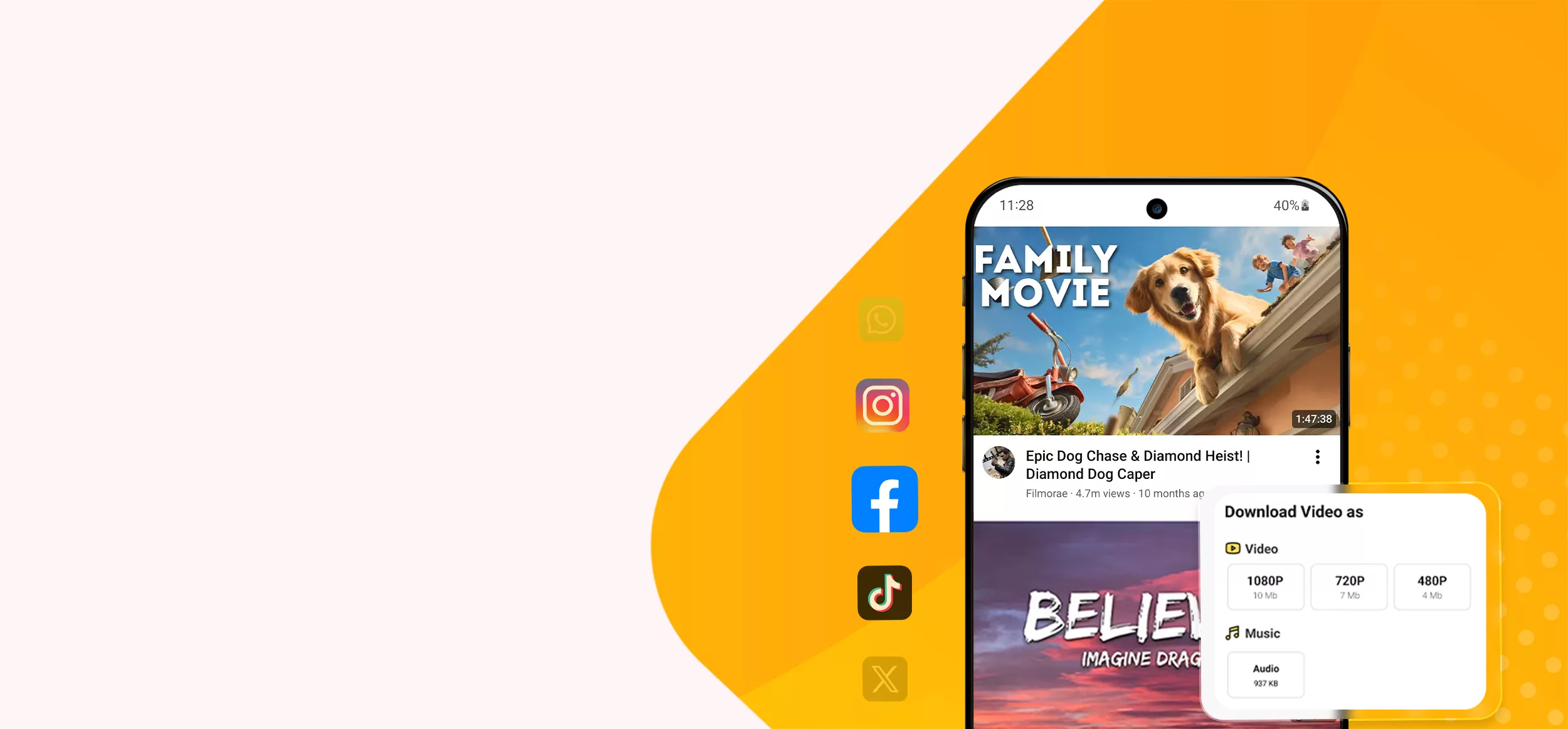
Select any social media or video platform below to download high quality videos.
Or paste any link above to download right away

Save your favorite videos and audio tracks straight to your phone or computer for free. No sign...

Download Facebook videos, reels, and stories in HD or SD quality for free. Fast, secure, and wa...

VideoSaver YouTube Video Downloader makes downloading so easy. It is the best downloader you ca...

Save high-quality LinkedIn videos and learning content safely without logging into your account...

Download Pinterest videos and audio in the highest HD quality available. Save clean and clear v...

Save Reddit's useful content in its original quality directly to your device in HD, MP4, MP3, a...

Save Snapchat Stories, Spotlight, and Shows in HD instantly with our fast and free Snapchat Vid...

Download your favorite TikTok videos in full HD with absolutely no watermarks. Just paste the l...

Want unstoppable high quality downloads? VideoSaver gives you every feature and platform. Downl...

Save Vimeo videos in MP4 with our online video downloader. Download unlimited videos for free i...

Save your favorite WhatsApp photos and videos directly to your gallery and enjoy them offline a...

Save Twitter videos and GIFs directly to your device in high-quality MP4 format.

Instantly download YouTube videos, Shorts, and playlists in crisp 4K or 8K quality. 100% free,...
Video Saver makes it effortless to download videos, audio, reels, shorts, and photos in just a few clicks. Built for speed, privacy, and a smooth experience, it works seamlessly across both mobile and desktop browsers.

Our server processes the link in seconds. Paste the link, and VideoSaver automatically detects the source.

Our server allows you to use this tool in 12 different languages, including Spanish, Hindi, English, and more.

Select your preferred video quality, from 144p up to 4K, and save videos in the best available resolution.

Supports YouTube, TikTok, Instagram, Facebook, and more.

Download your favorite content on Android, iPhone, Mac, Linux, or PC.

Your privacy matters. VideoSaver operates locally and stores no history or personal information.
When you copy & paste the video link, VideoSaver grabs the content from the original platform for you. Then, you can choose any video/audio format and download the video.
No, our services do not let you access private content due to privacy and security reasons.
You might be facing two types of problems with downloading media files. First, your internet signals are slow. Or second, the platform server is experiencing delays in delivering the content.
Open VideoSaver on Safari browser and download the video from there. Next, go to the “Downloader” folder in the “Files” app. From here, you can move the media to your “Camera Roll.”
Yes, without proper permission, we do not allow users to download the video.
Yes, it is 100% legal to download any video and audio file without any interruption for any purpose, based on that platform’s policies and region. Some regions and countries are not allowed to download videos from YouTube and some other social media platforms. But many countries allow downloading any video from any platform without any restrictions.
If you want to directly install the app, click the “Download Video Saver App” button. It redirects you to the Play Store, from where you can download it directly on your tablet and mobile devices. OR You can also open “Play Store” on your Android device, search for “Video Saver,” and hit the “Install” button to begin installation.
Join millions of users who rely on Video Saver for fast, easy, and reliable downloads