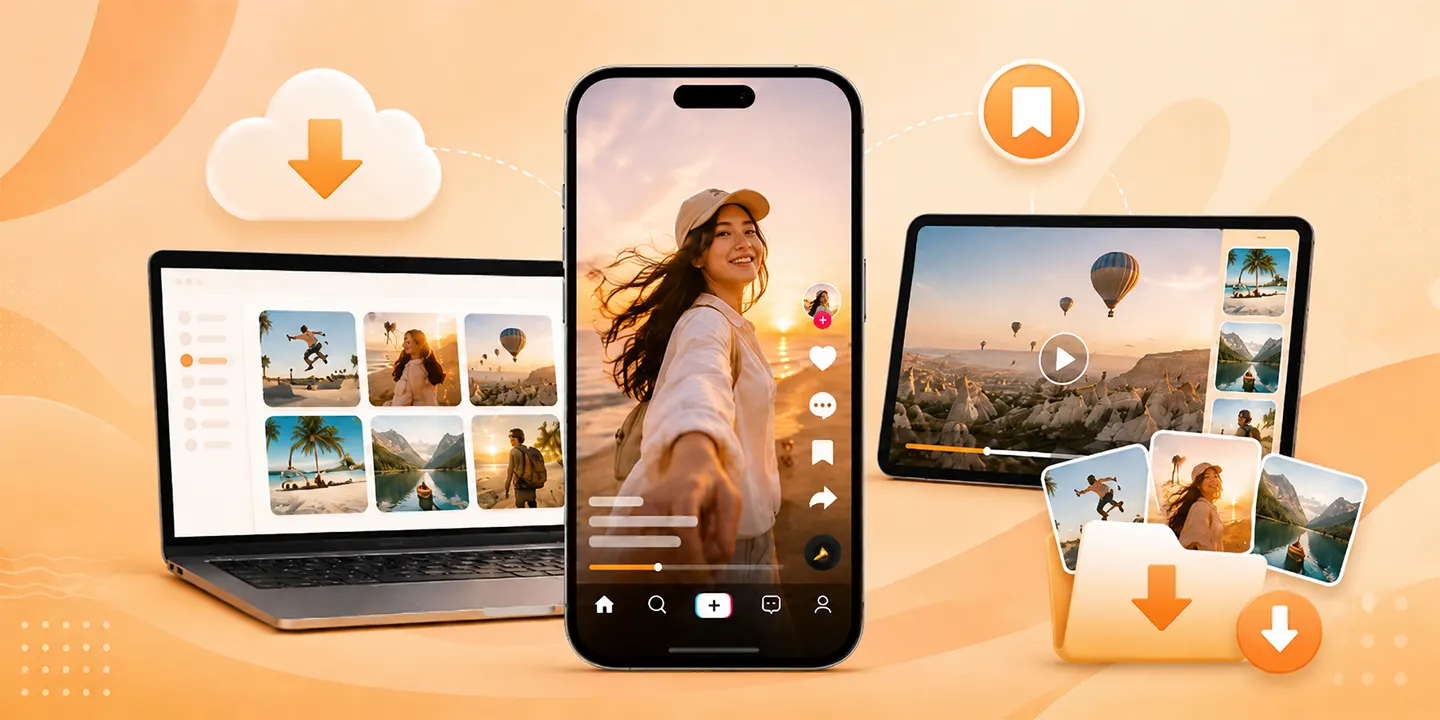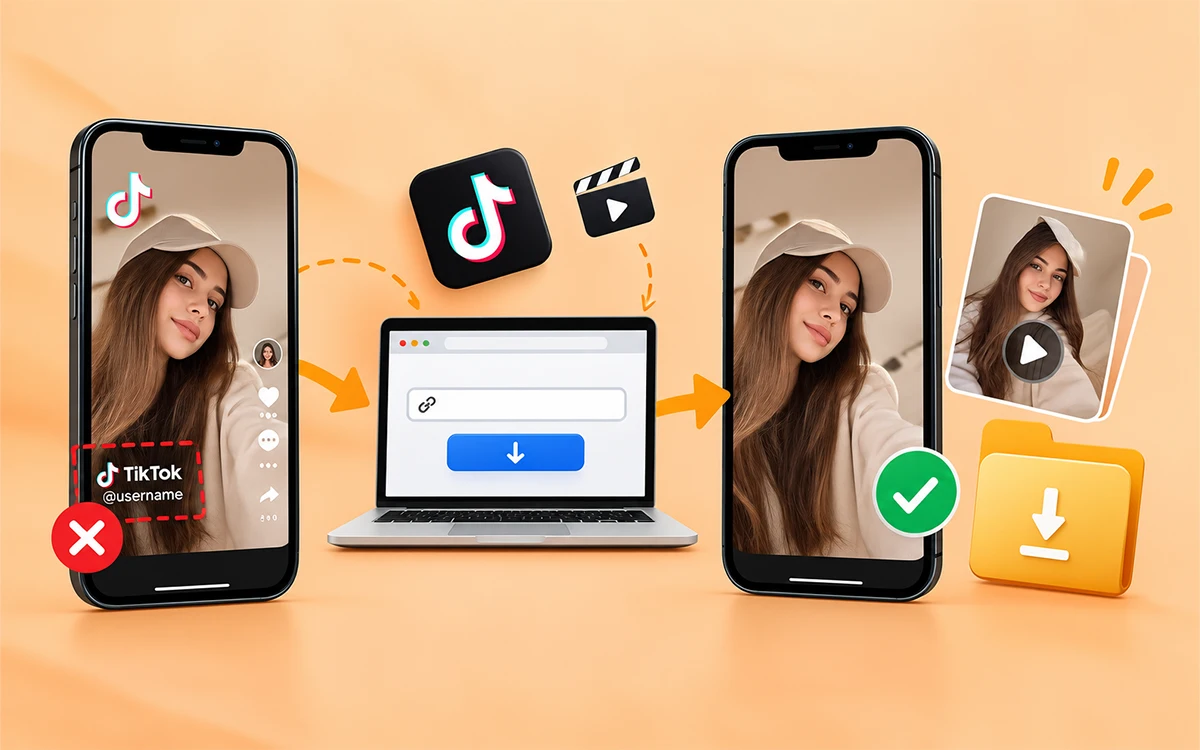
If you save TikTok content on your device, it is the most convenient way to share it with friends or repost your own on other social media platforms. But the challenge is that TikTok itself does not give you any feature to download content without a watermark. Its built-in download option allows you to save certain videos but with a watermark. The good news is that there are different methods to save clean videos on multiple devices.
In this guide we will discuss all the practical ways to save your content and how our online TikTok Video Downloader works. Whether you want to install any software or extension, whatever your preference is.
Use TikTok's Built-in Download Option
To start with, TikTok allows an internal feature to save content. But the question that arises here is whether the downloaded content is free of watermarks. The answer is no. This built-in feature is not always available for all videos, and saved content has a watermark on it. For those who do not have a problem with the logo, the process is.
-
First, open the TikTok app on your phone.
-
Find the video you want to save and press the Share button.
-
Now select the save button.
-
Wait for the video to finish downloading.
-
To find the file, go to the gallery on your phone.
The thing to remember here is that if you do not see any save button, then the creators may have disabled it.
Save TikTok Content on Android Without a Watermark
There are two easy ways for Android users to save the videos online. VideoSaver browser and Android app. You can choose according to your preference and ease. You will get a clean video without any watermark or logos.
Use VideoSaver in Your Android Browser
This method is useful if you do not want to install anything.
-
Open TikTok on your phone.
-
Then find the video and press the Share button to copy the link.
-
Open your preferred browser and go to hdvideosaver.com.
-
Now paste the link in the box and wait for the video information to load.
-
At last, choose the quality and hit the download icon.
After the process finishes, check your Android's Download folder to find the video.
VideoSaver App for Android
If you are someone who downloads videos frequently, then the VideoSaver app is the best option for you.
-
First, find the video you want to download.
-
Tap the Share button and copy the link to the file.
-
Now open the VideoSaver app and paste the link there.
-
After you select the video quality and press the download button.
This means it is best if you save online content on a regular basis on your Android phone.
Download TikTok Videos on iPhone
To download TikTok videos online on iPhone, use the VideoSaver website on your browser.
-
Open the TikTok app and find the video to download.
-
Now tap the Share button and select Copy Link.
-
Open Safari or another browser and go to hdvideosaver.com.
-
Paste the link into the input field.
-
Then choose your preferred quality and press the download icon.
You can repost the content on your other social media platform because all the videos are free of any watermark.
Download TikTok Videos on PC and Mac
VideoSaver gives you two methods if you use Windows, a PC, a Mac, or a laptop. Use its website on your browser or the Google extension. Both ways give you clean files without a watermark.
Save With VideoSaver Browser
The browser method works on all devices. It does not require you to download an extension. All you need is a supported browser and the video link to perform the process.
-
To start with, open TikTok in your browser.
-
Now find the video you want to download to access it without internet.
-
Click Share and select Copy Link or copy the video URL from the address bar.
-
Then open VideoSaver TikTok video downloader in another tab.
-
Paste the link into the box and select the quality you want.
-
To finish hit the download button and get your file on your device.
This method is for those who save content not on a regular basis because there is no additional software or extension to install.
Save With the VideoSaver Google Extension
If you frequently download videos from TikTok, then this method is for you. You are able to access the downloader from your browser instead of opening the website every time once it is installed.
-
Install the VideoSaver Google extension in your supported browser.
-
Now open TikTok and find the video you want to save.
-
Copy the link to the video and open the extension from the extension area of your browser.
-
Then paste the URL into the input field.
-
Let it process the link and then select the quality.
-
To save the file on your device, hit the download icon.
How to Find Your Downloaded Content on Different Devices
The location of the downloaded file depends on your device.
-
On an Android phone, check your Downloads folder or your browser’s download location.
-
To find it on your iPhone or iPad, open the Files app and check the Downloads folder. You can move the downloaded file later, and it depends on your iPhone browser settings
-
Open the Downloads folder in the File Explorer on Windows to get the access to the video. For Mac, open Finder and select Downloads.
Which TikTok Downloading Method Should You Choose?
The right method you choose depends on your device and how frequently you download the videos from TikTok. All the available ways are given below from which you can select your preferred method. You can save content from other social media platforms by using our other downloaders, like Instagram Video Downloader or Snapchat Video Downloader.
| Method | Best For | Installation Required | Watermark-Free Download |
|---|---|---|---|
| TikTok built-in Save Video | Quick native saves | No | No |
| VideoSaver web | Quick downloads on any browser | No | Yes |
| VideoSaver App | Frequent mobile downloads | Yes | Yes |
| Google Extension | Frequent desktop browsing | Yes | Yes |
If you only need to save occasionally, then the web version is the best fit for you. If you save content frequently on an Android phone then the app is the best for you. Desktop users who download on a regular basis may prefer the browser extension. Moreover, always know your needs and choose according to them to avoid unnecessary hassle.
Is it Safe to Download TikTok Videos
If you want a secure and safe download of the content, make sure to use a reliable method. Your privacy also matters most when using an external downloader. You should always be cautious when using other websites or software. Uninstall or close the online TikTok downloader if they ask for your password or credentials. To avoid any malware, always stay alert to unexpected pop-ups. Do not give unnecessary permissions to any online downloader to save the videos because it can be phishy and can invade your personal data.
Before You Share Content of Others, Think About Privacy
There is a huge difference between being able to download the file and reuse it on other platforms. A video being publicly visible does not mean you have the right to repost or sell it, use it in advertising, or upload it on other platforms. You are not allowed to edit it for business use or claim it as your own.
If you want to reuse it, the best way is to get permission from the owner. The security is even stronger if the snap is stronger.
Copyright and Reuse for Business Purposes
You do not get copyright ownership if you download the file. If the content is copyrighted, then avoid using it for commercial purposes without the consent of the owner. The legal rules can be different by country and by the circumstances. If you plan to use it commercially, then seek permission. This is important for:
-
Advertisement and sponsored content.
-
Compilations and client work
-
Monetized content.
-
Company social accounts.
-
Promotional campaigns.
Final Thoughts
To conclude with, there are several ways to save TikTok videos online. But what method you opt for depends on the purpose of your download and which device you are using. If it is fine for you to save content with watermark then use TikTok's built-in option. But if you are looking for a reliable tool to save files on different devices, VideoSaver is the go to choice for you. It is an all in one downloader for users with different needs. It gives you clean and clear HD videos with no watermark without the need for any other software. Always keep in mind the copyrights and get permission before you reuse the video of other creators. Do not use others content without their consent.
Answers to Your Questions
Why is my TikTok video not downloading?
There can be multiple reasons that you are unable to download the video. The video may be removed, your internet may not be stable, or the file may be private.
Can you download a TikTok video from a private account?
Yes. VideoSaver video downloader allows you to save private TikTok videos only if you follow the account.
Why should I use VideoSaver to download the content?
Because VideoSaver is a secure third-party TikTok video downloader. It keeps all of your details and history hidden and follows all the security protocols.
How to download TikTok videos without a watermark?
Yes. You can use online downloaders to get clean videos on your device without any watermark or logo.
Can I save videos without any app installation?
You can download the videos without installing any app if you do not want to. You can use the VideoSaver web to save content to watch offline.
Are downloaded videos free of watermarks?
Yes. VideoSaver helps you to download the videos without any watermark or logo. You get a clean video on your device without the need to use any other software to remove the watermark.
How do I download a video from TikTok?
Copy the link to the video you want to download. Now open an online TikTok video downloader such as hdvideosaver.com and paste the link there. Press the download button and get your content on your device in seconds.
Is it free to download TikTok videos?
Yes. There are plenty of free online downloaders. But these tools may show unnecessary ads or redirects, which can sometimes be harmful.
What quality can I download videos in?
With VideoSaver, you can download your content in the highest quality available, up to 4K when supported.
Can I download TikTok audio only?
Yes. VideoSaver lets you save audio only of any video in MP3 format.
Can I download TikTok videos without an account?
Yes, public downloader sites do not ask you to log into anything. You can download the video without any account.
Does TikTok tell creators about the downloads?
No. Creators only see total aggregate download numbers. They do not see who specifically saved their video.
Does Removing the Watermark Affect Quality?
No. If you use a good and reliable downloader. An adequate tool gives you the same quality as it was uploaded by the creator. The removal of the watermark does not affect the quality.