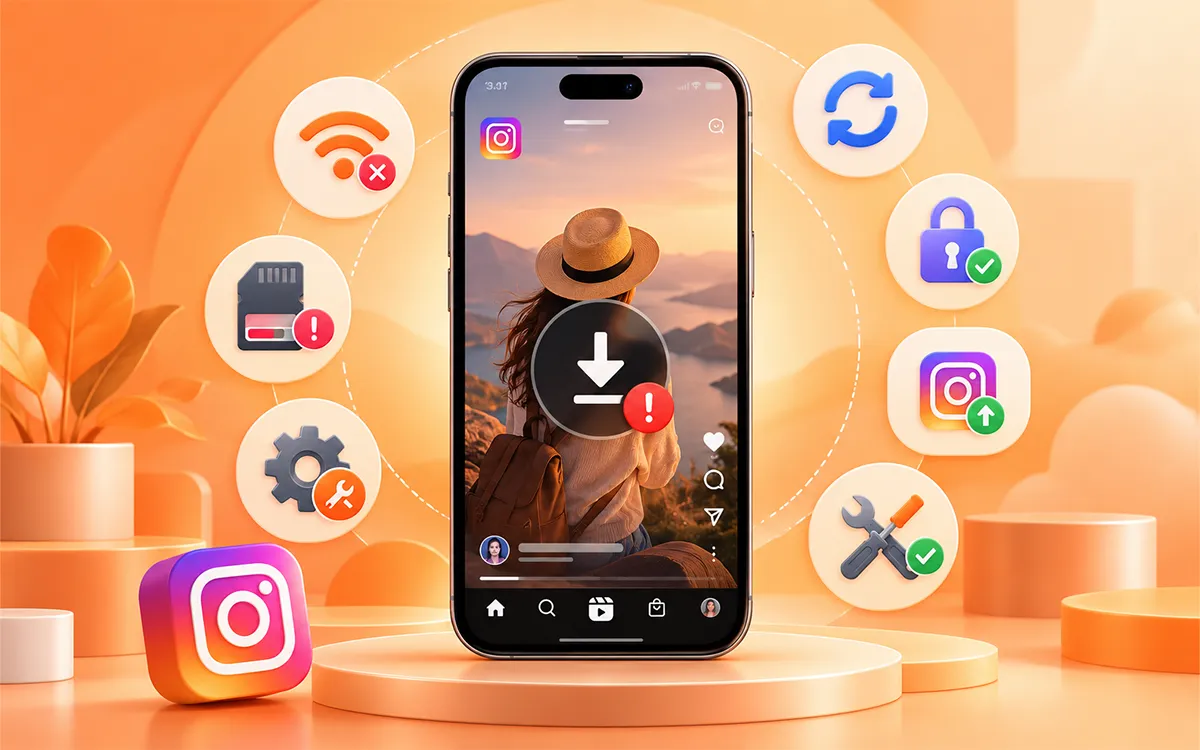
No doubt, there are times when you try to download an Instagram video, but it fails every time. There are various reasons for the incomplete download of your content. As we all know, the frustrating part—let's get straight to the answer to your every question.
In this guide, we will discuss all the possible reasons behind the errors and quick solutions. But before, check out How to Download Instagram Videos if you want the fastest ways to save supported Instagram videos and posts.
Why Won’t My Instagram Video Download?
There is no single reason for every failed Instagram video download. Various factors cause this thing to happen. Check all the possible factors given below to ensure your download.
The Instagram Link Is Not Correct
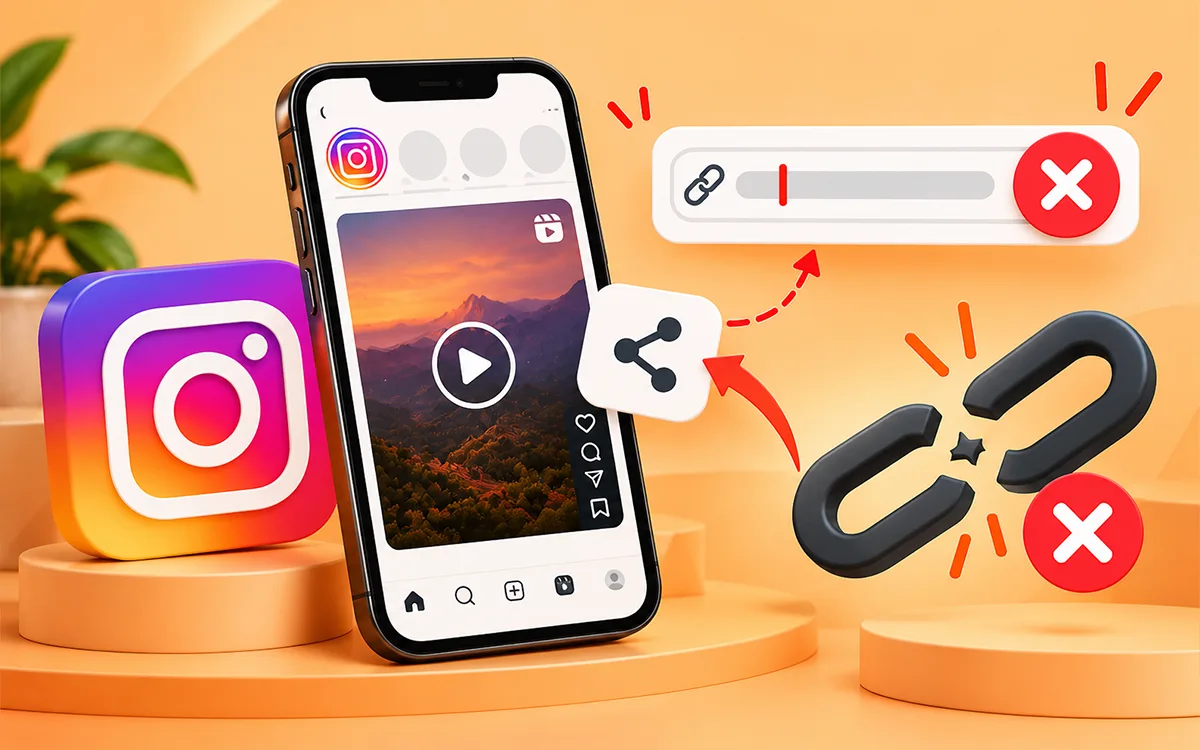
A downloader needs a correct URL of the reel or post to save it. If the link is incomplete or does not belong to the right content, then it won’t be possible for a tool to download it on your device. The link is no longer valid, which is another factor related to the URL failure.
This happens often when you share a post through another app and copy the link from there.
The Post Is No Longer Available
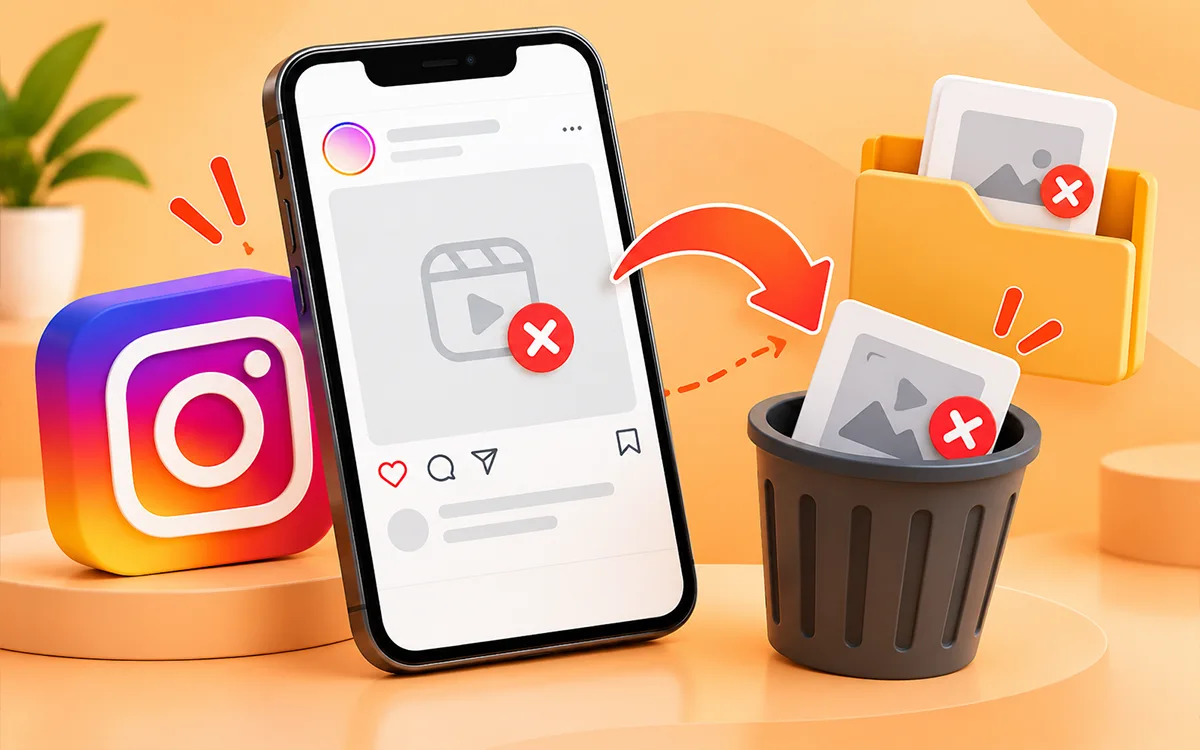
A downloader can not retrieve a video that Instagram itself is not able to access. The creator may have removed the video or archived the post. If the original video does not play on IG, then the problem is not with your browser or the tool. The video is not there to save.
The Content Is Not Accessible To the Downloader
Not every Instagram post is accessible to third-party downloaders. The content of private accounts that have restricted access stops an external service from processing the media. A useful test is to try the URL of another publicly accessible reel or video. If that one saves, then the issue may be with the original post.
The Browser Is the Problem
Browsers store cookies and website data to help pages load media faster. Extensions also modify how websites work. An ad blocker, privacy extension, or corrupted cached data can hinder a downloader page or its request. In some cases, a script blocker can cause the failure of the download.
Your Internet Connection Is Unstable
The downloader needs to communicate with its server and then transfer the video to your device. A weak or unstable connection can cause the process to remain stuck or fail in the middle of the process. A connection can also look fine for normal browsing while it struggles with larger media downloads.
VPNs and Proxies Can Cause Connection Problems
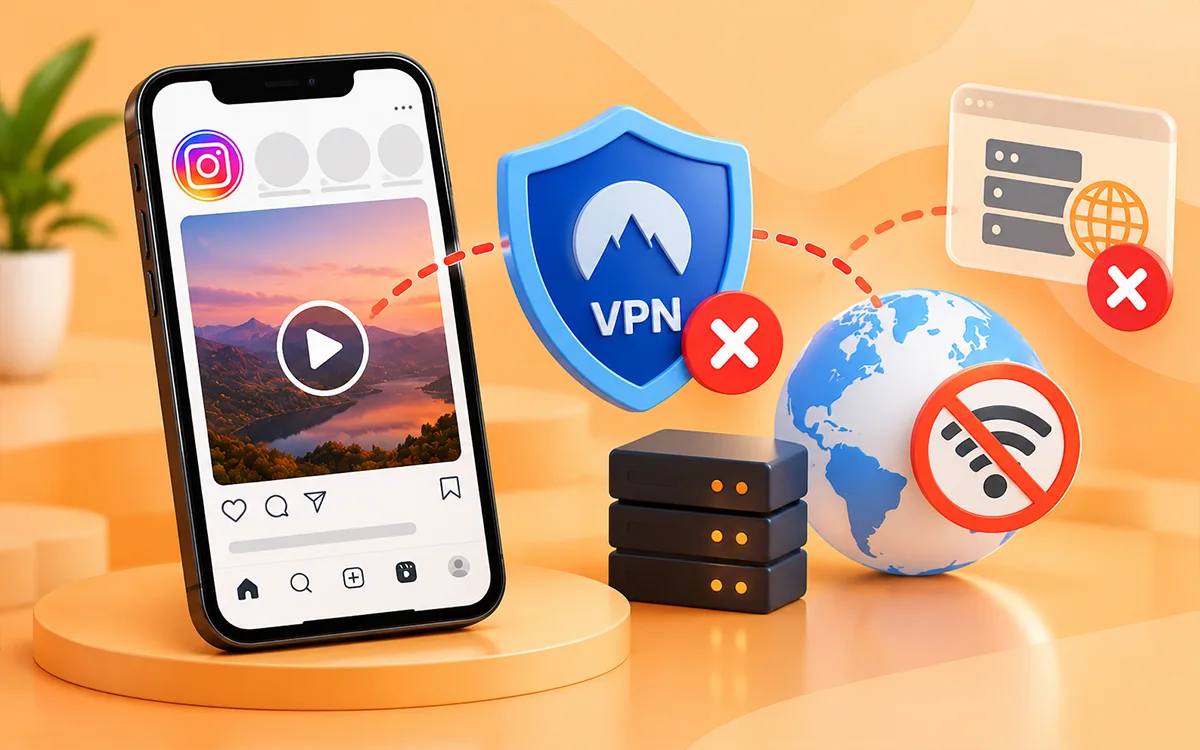
A VPN or proxy changes how your connection works with the websites. Slow requests and connection errors or a download that won't start may be because of the network and service. If you're using a VPN, then turning it off for the time being is a simple way to know whether it is involved.
The Downloader May Have a Temporary Problem
Sometimes everything on your end is fine. Third-party platforms depend on Instagram data that is available to the public and their own processing systems. Changes to Instagram and temporary server issues or high traffic can affect whether a video can be recovered. If several different videos do not work, then waiting a little and trying again can help you know if the problem is temporary.
7 Ways To Get an Instagram Video Starting to Download Again
Troubleshooting becomes much easier once you know the problem. Try the given fixes in order.
Start With a Fresh Instagram Link
You should not try an old URL again and again if the downloader does not recognize it. Go back to Instagram and copy the link again.
- Open the reel or video.
- Then tap Share.
- Now select Copy link.
- Return to the downloader.
- Paste the new link.
Then try the Instagram Video Downloader again. If the fresh link still does not work, then move on to the next check instead of trying the same URL every time.
Check the Original Video Before You Doubt the Downloader
Open the Instagram post and make sure the video plays. If you see that the post is not there or IG cannot load the content, then a downloader may not be able to retrieve it either. You can even test a second public reel. This gives you a fast way to narrow down the problem.
- Second video downloads: the original post may be the issue.
- The second video also fails: then look at your browser, connection, or downloader.
This simple test can save you from the change of settings that do not cause the problem.
Try to Save a Public Reel
If you try to download content from a private account or a post with limited access, then try a public video instead. This is not just another workaround but a useful troubleshooting test. Your downloader and your connection are good if a public Reel download is successful. The problem is that the original content is not accessible.
You should never enter your Instagram username or password into an external downloader just to avoid a restriction. A downloader should not ask for your login to process a publicly accessible video URL.
Open the Downloader In Incognito or Private Mode
If the page loads incorrectly or the download button does not respond, then try to browse it in a private window. In Chrome, open an Incognito window. Use private browsing in Safari. Then copy the Instagram URL again and paste it into the downloader. If the download works in private browsing, your regular browser may have cached data or an extension that interferes with the page.
You can then clear the cached data of the site or check your browser extensions instead of changing everything at once.
Switch Your Connection and Disable the VPN
A stuck download can be a network problem even when Instagram itself opens with ease. You should try to switch from Wi-Fi to mobile data or from mobile data to a reliable Wi-Fi connection. If you use a VPN or proxy, then turn it off for some time and test the download again. This is useful when.
- The downloader page opens, but the process never finishes.
- The download starts and then stops.
- Again and again you receive an error related to connection.
If the download works after you switch networks, you have a much better idea of where the problem originated.
Try Another Browser and Check Extensions
If you are using Chrome, try another browser available on your device. If the download works in the second browser, then check the first browser for extensions. The browser is the problem and interferes with the page. Ad blockers and privacy tools can affect scripts or buttons on websites. You do not need to remove them forever. If you disable the relevant extension and test again, it is enough to know whether it is responsible.
On mobile, you can also try the downloader in the normal browser of your phone instead of an embedded browser inside another app.
Use VideoSaver on Another Platform or Device
If you have checked the URL and confirmed that the video is available, then try another way to have access to the downloader. You can use the VideoSaver Instagram Video Downloader from your browser.
If you are on Android and on a regular basis download videos, the VideoSaver Android app provides a more convenient workflow instead of opening the website every time.
You can also use VideoSaver for other supported platforms when you need to download content from services such as Facebook or TikTok.
If the same Instagram URL fails over and over across different browsers and devices while other videos work, then the problem is related to that particular Instagram post.
A Quick Way To Identify The Problem
| What you are seeing | Most useful thing to try |
|---|---|
| The downloader doesn't recognize the URL. | Copy the Instagram link again. |
| The original video does not play. | Check whether the post is still available. |
| Only one video won’t play. | Test another public reel. |
| Every video fails. | Check your browser and internet connection. |
| The page works, but the button does not. | Try private/incognito mode or another browser. |
| Download starts but stops. | Switch networks and disable VPN. |
| It works in another browser. | Check extension or cached data. |
| It fails everywhere. | Try again later or try another supported method. |
What If Instagram Video Still Fails To Download?
At this point you have checked out most of the common problems. Try the same URL once more after some time if other Instagram videos also fail. If other videos download but one specific post does not, there may not be anything wrong with your device or downloader.
If you need a straightforward way to download an accessible Instagram video, then you can use our tool. Android users can also use the VideoSaver app for a more direct mobile experience.
Just remember that being able to download a video does not give you permission to republish it. If you plan to post the video elsewhere, then make sure you have permission from the creator or the necessary rights.
Frequently Asked Questions
Why does my Instagram video downloader keep loading?
A weak connection, browser issue, or temporary downloader problem can leave a download stuck in the middle of the process. Try another public Reel first to determine whether the issue affects one video or all videos.
Why does an Instagram Reel download for someone else but not me?
The two users may use different browsers or downloader services. Try to open the downloader in private or incognito mode and switch your internet connection.
Why does my Instagram video download fail halfway?
An unstable connection is one possible reason. Large files can also take longer to transfer, so if you switch networks and retry the download, it can help.
Can I download an Instagram video from a private account?
Third-party downloaders need to be able to access the media before they can retrieve it. If the content is not publicly accessible to the downloader, then changing your browser will not change anything.
Why does the Instagram video downloader work for one video but not another?
This can be because the videos are accessible or available differently. Test another public reel. If other videos work, then check the original post instead of changing your entire setup.
Can I download Instagram videos on Android?
Yes. You can use a browser based Instagram video downloader on Android or use the VideoSaver Android app if you prefer a dedicated mobile workflow.
What should I do if the downloaded video does not play?
The download may be incomplete or the file may not be supported by your current media player. You should try to download the video again and make sure your device has enough storage.
How to download a carousel video?
Just open the specific slide that holds the videos and copy that slide’s link from the share button then paste it into VideoSaver. Click Download and your video is saved in seconds.
Why should I use VideoSaver to download the content?
Because VideoSaver is a secure third party Instagram video downloader. It keeps all of your details and history hidden and follows all the security protocols.
Is VideoSaver a reliable tool?
Yes. It is an online downloader that lets you download your content in seconds without any watermark. Your security and privacy are its utmost priority.
Final Thoughts
To conclude, it is worth mentioning that there is no single reason behind every problem. In this article you will know all the possible factors that cause the failure of your video download. If the problem continues, then try the VideoSaver Downloader or the Android app to save your Instagram videos. In most cases, testing another video or browser will show whether the issue is with the specific Instagram post or your download setup.