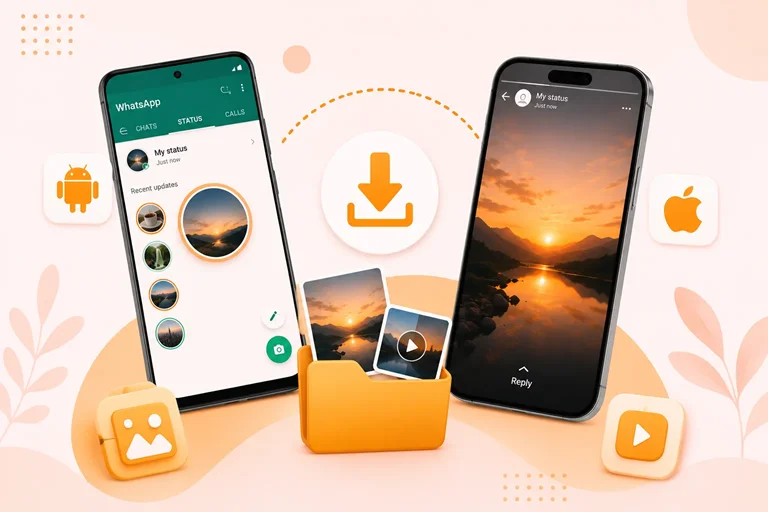
It is very likely that you looked for a WhatsApp Status Saver app to save the status. It can be a brilliant photo or an incredible video on WhatsApp status. Within 24 hours you wanted to save it. These are the most searched tools on the Google Play Store that save media directly to your device. But there are risk factors with convenience. To find a reliable option requires care when there are shady permissions or APK files.
This security review gives you all the available tools and sources. It will help you understand how these tools function. How you can safely save media without compromising your device.
Why Can't You Download Directly From WhatsApp
WhatsApp does not give you the option itself to download the status of others. While you can save your own photo or video but there is no download button when viewing another status.
Status updates are temporary and disappear after 24 hours. A built in download option could make this temporary experience less private. People go for other apps or methods to save a status.
How You Get Help From WhatsApp Status Save Apps
When you understand the safety profile of these tools you understand the main system.
Did you know that when you view a status on Android, WhatsApp automatically saves a temporary copy of that photo or video into a hidden cache folder .Statuses. This folder is inside its internal media list. A legitimate status saver app does not hack WhatsApp or break end-to-end encryption. It just accesses those local files and reads the files you have already downloaded by viewing. It copies the file to a permanent folder in your gallery.
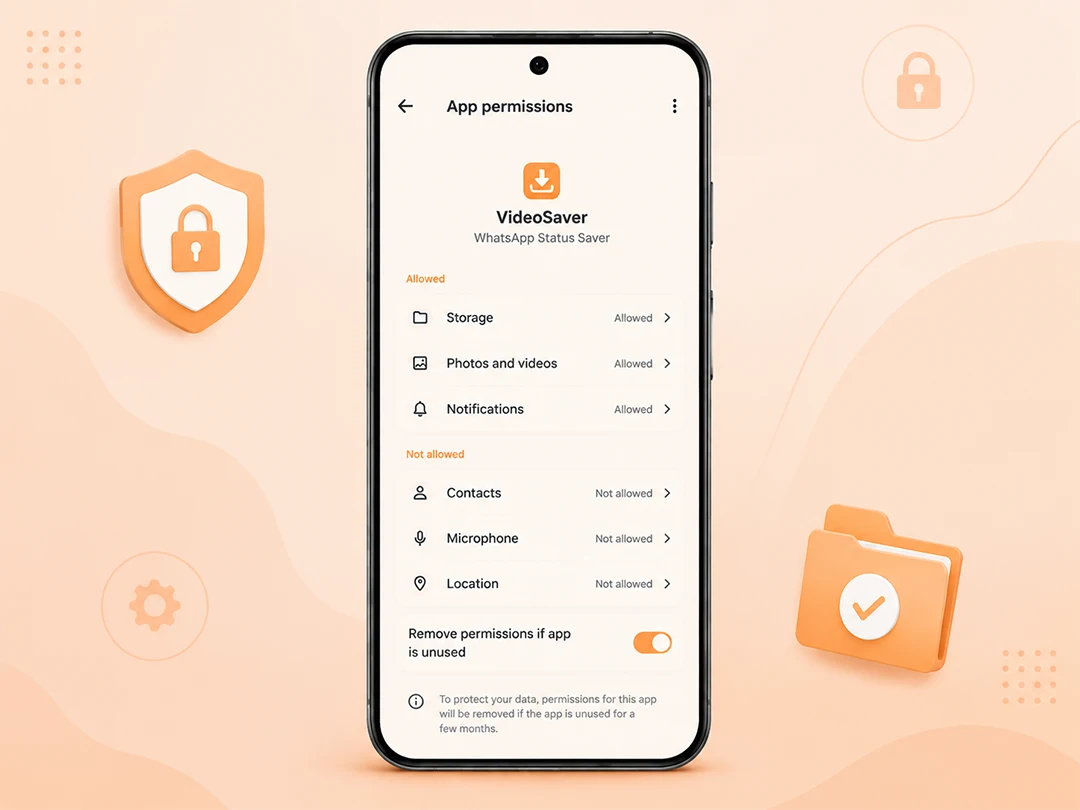
Because the file is already sitting on your device a safe status saver app only requires basic storage or media access permission. It does not need your microphone, your contacts or your personal account information.
Major Security Red Flags: What to Avoid
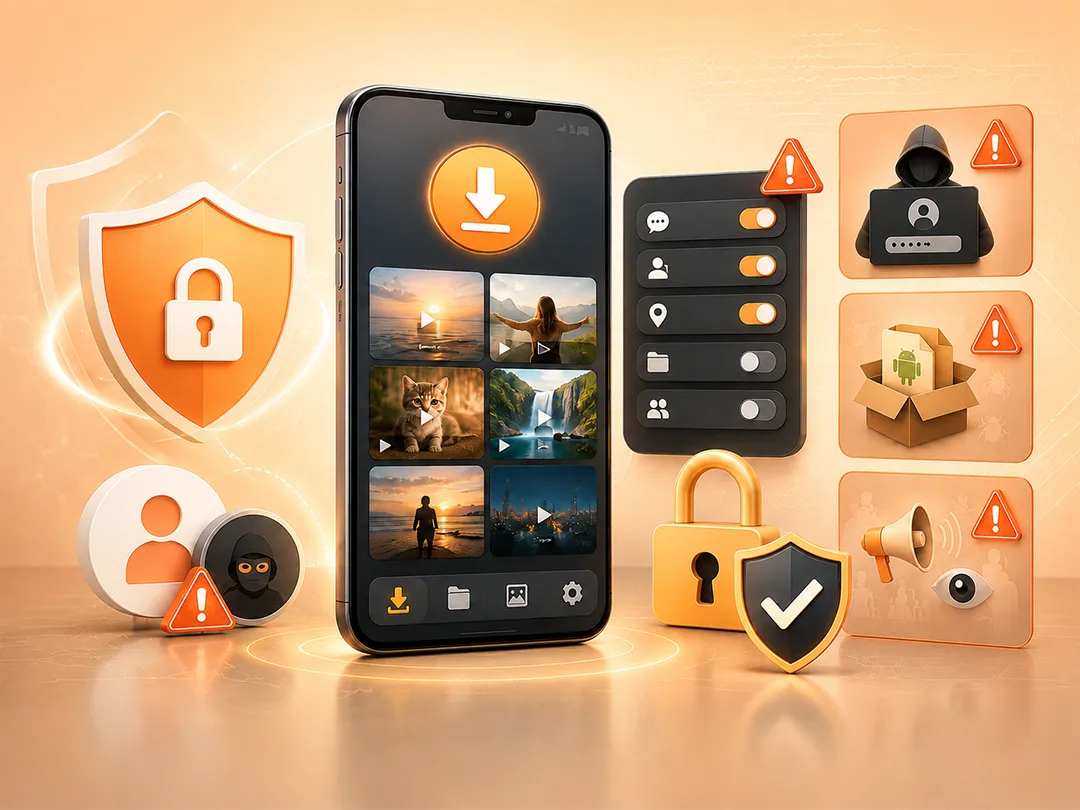
While legitimate utility apps exist just like VideoSaver WhatsApp Status Saver, they do not invade any of your personal information. The app stores also host poorly coded clones and data harvesting tools. Always stay alert to these dangerous risks to save yourself.
If it Asks You to Log in to WhatsApp
Always keep in mind that no genuine status saver requires your phone number, password or an OTP. If an app asks you to log in with WhatsApp then uninstall it at once. This is a designed tactic to hijack accounts.
Excessive Permissions
If a tool designed strictly to copy local files demands access to your SMS inbox or call logs, contact or GPS location, it is abstracting data for a third party ad network.
Unofficial APK Files
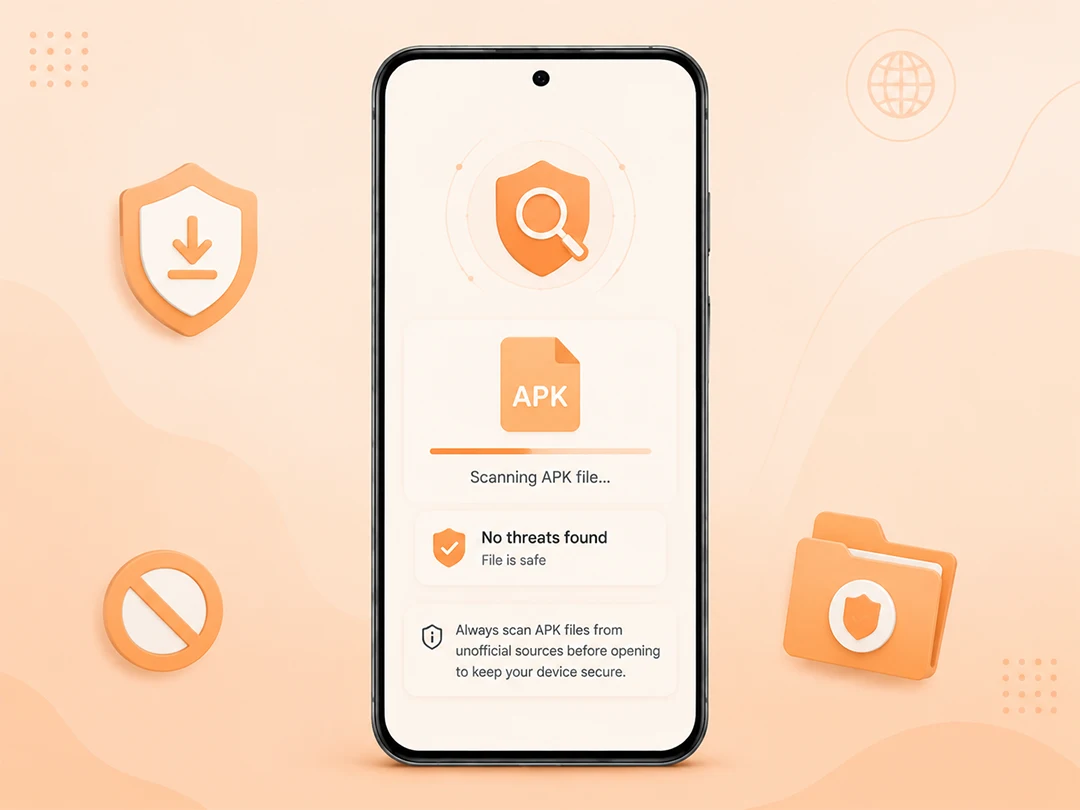
You should always use official app stores and trusted websites. Apps downloaded from random third party forums bypass Google Play Protect. It makes them a prime target for malware injections.
Aggressive Adware
Free applications must make money but some apps go too far. They may show full screen video ads every time you tap a button or may cover your entire screen with ads. Some of these apps may contain tracking software that collects users information in the background.
| Check Safety Comparison- Play Store Vs Third-Party APKs | |||
|---|---|---|---|
| Feature | Official Play Store Utility | Sideloaded APK from Unknown Sites | WhatsApp login Required Clone |
| Primary Permission | Storage / Media only | Storage + Unnecessary extras | Account access and credentials |
| Logging Requirement | None | Varies / Often hidden scripts | Mandatory (Phishing Risk) |
| Security Scanning | Checked via Play Protect | None guaranteed | High risk of malicious payload |
| Risk Level | Low | High | Critical / Avoid |
Step by Step: Check Any App Before You Install
Take a moment to do a fast security check before you give an app access to your device.
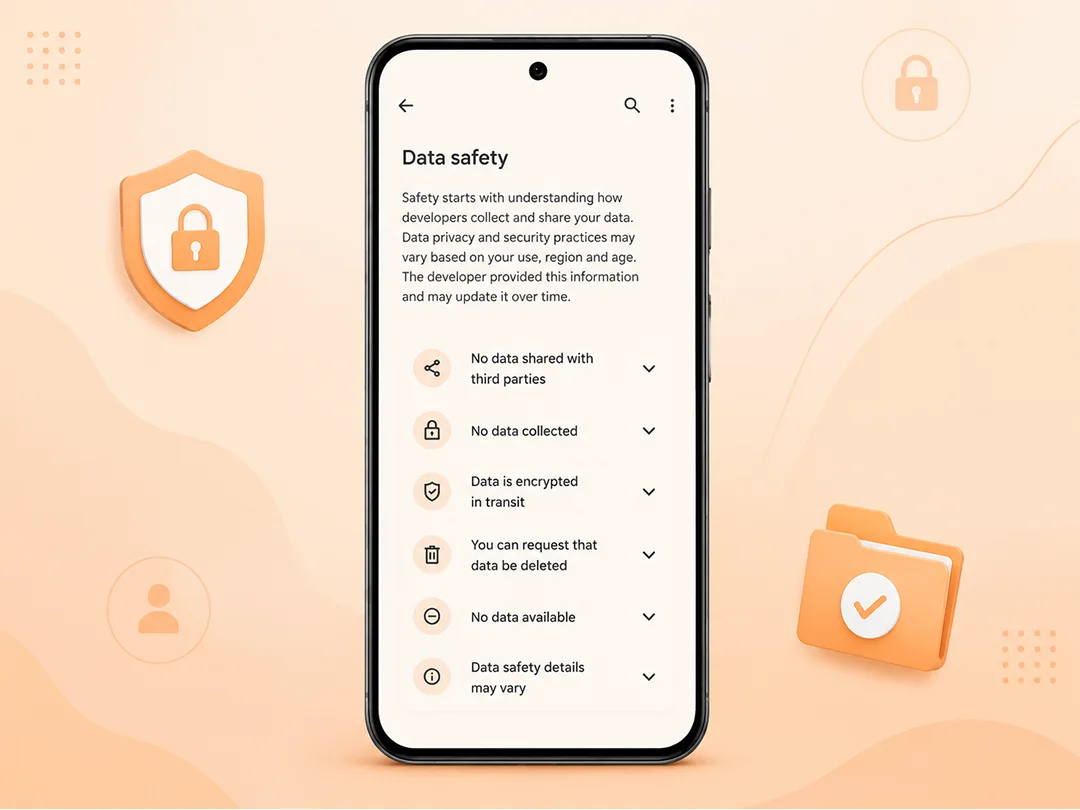
Check the Data Safety Section
On the Google Play listing look at what data the developer explicitly disclosed as collected or shared with third parties.
Inquire App Permissions
To see the app permissions go to Settings → Apps → [App Name] → Permissions. If you see permissions granted for contacts, microphone, or location, revoke or delete the app.
Scan APK Files from Unofficial Sources
If you install an APK file not from the Play Store, before you open it scan the file with a trusted security tool. Always avoid installing files from websites you do not trust.
Unharmed Options Without External Apps
If you do not want to install any external application you can skip third party tools by using native features to download status on Android or iPhone.
Manual Way to Save Status Media on Android
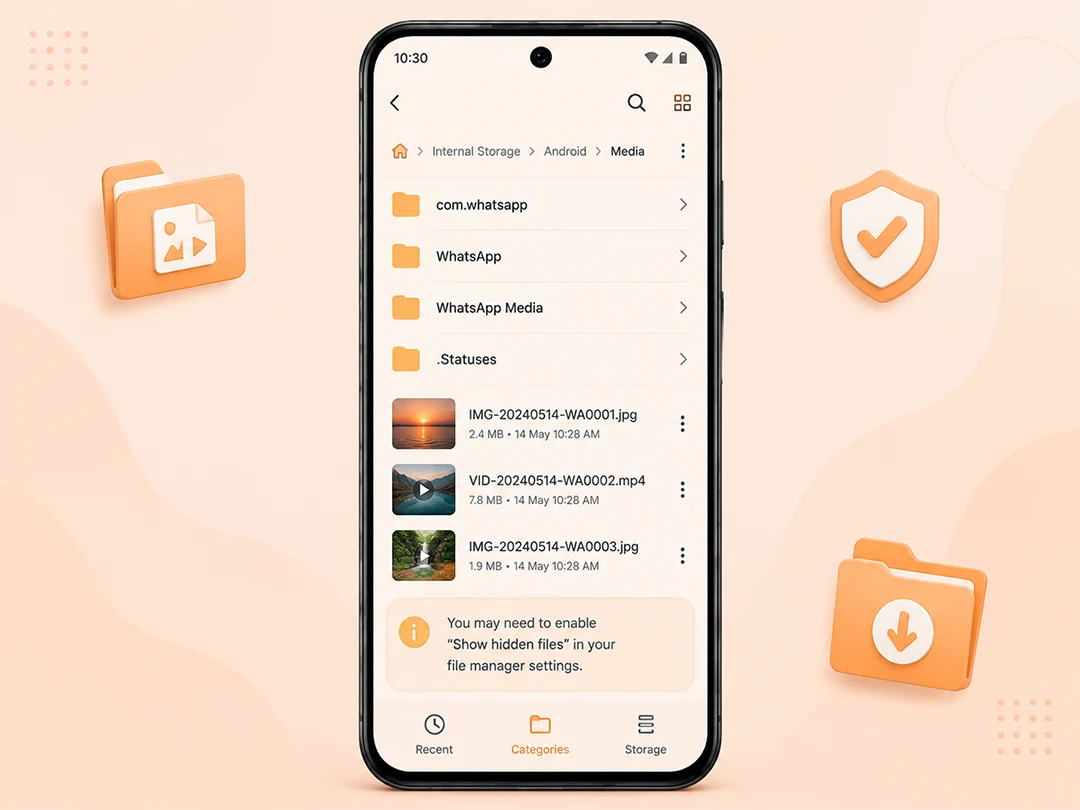
Open your native file manager and go to Internal Storage → Android → Media → com.whatsapp → WhatsApp Media → .Statuses. You can then copy the photo or video you want and save it to your regular gallery folder.
Note: You may need to enable “Show hidden files” in your file manager settings.
iOS Screen Recording
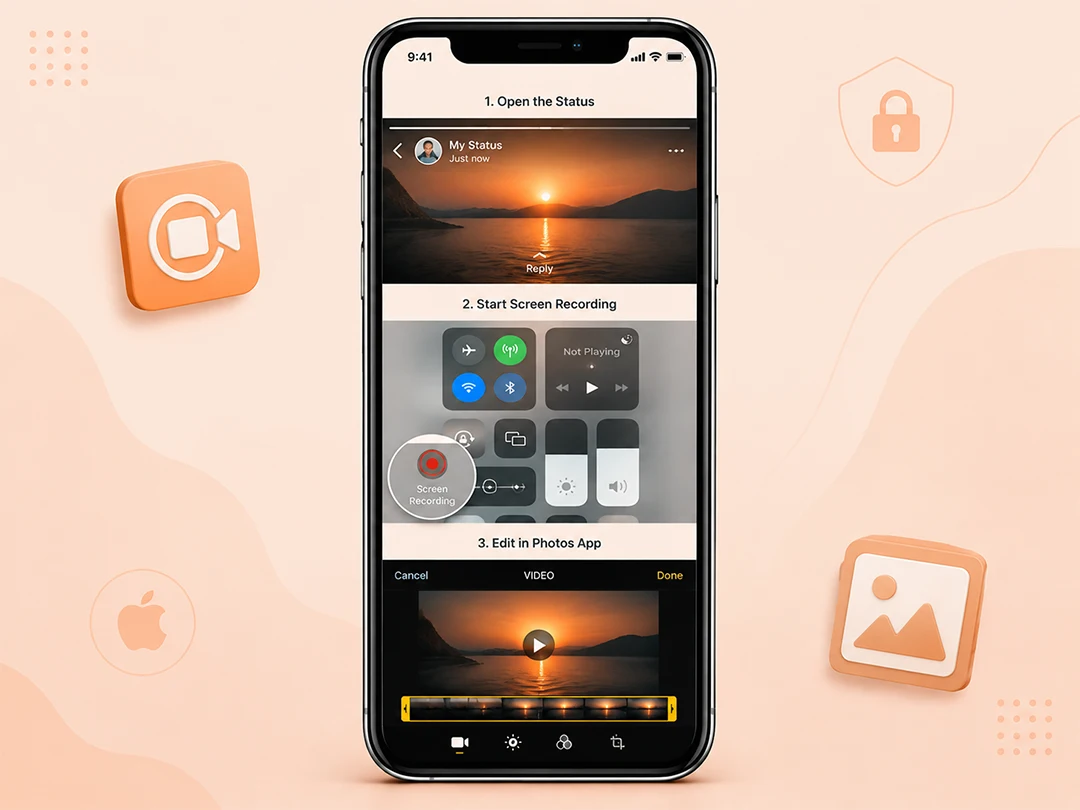
Because Apple’s iOS system consists of high security measures, traditional status saver apps are largely unavailable on iPhone. Instead iOS users can open the status and start the native Screen Recording tool from the Control Center. You can crop and adjust the video clip inside the Photos app.
Final Thoughts
Are WhatsApp Status Saver apps Safe? They can be, it depends if you select wisely.
If you download a tool directly from the Play Store and it asks for minimal permissions, it is safe and convenient. Always remember these tools ask access to your local media. They do not ask for your WhatsApp account.
Avoid all those apps that ask you to grant permission to your chats, contacts or other files. Only give access to what fulfils their purpose. When you are unsure about any app, consider native methods like manual file copying or built-in screen recording to keep your device secure.
Answers to Your Questions
Is it Safe to Use WhatsApp Status Saver apps?
Yes, the status saver apps are safe if you download them from the official Google Play Store. These tools request only local storage or media access permissions. Apps from unofficial sources or those requesting unrelated permissions may have security risks.
Is an app that asks for WhatsApp login safe to use?
No. A status saver app which is safe will never ask for your WhatsApp phone number, password or OTP. These apps work completely offline by reading local files.
Will someone know if you save their WhatsApp status?
No. Saving a status using a tool or built in method is a private action. WhatsApp does not alert or notify users.
Can I use a status saver app on an iPhone?
Apple’s strict iOS policy usually prevents third party apps from accessing local cache like Android does. iPhone users use the Screen Recording tool.
What permissions should a safe status saver app request?
A safe status saver app should only ask for storage or media access permission. If an app asks for any other access, it is likely to be fishy.
Can status save access my private chats and read them?
No. All those status saver applications which are reliable only have technical access to the appointed temporary media folder. In these folders the status updates are stored.