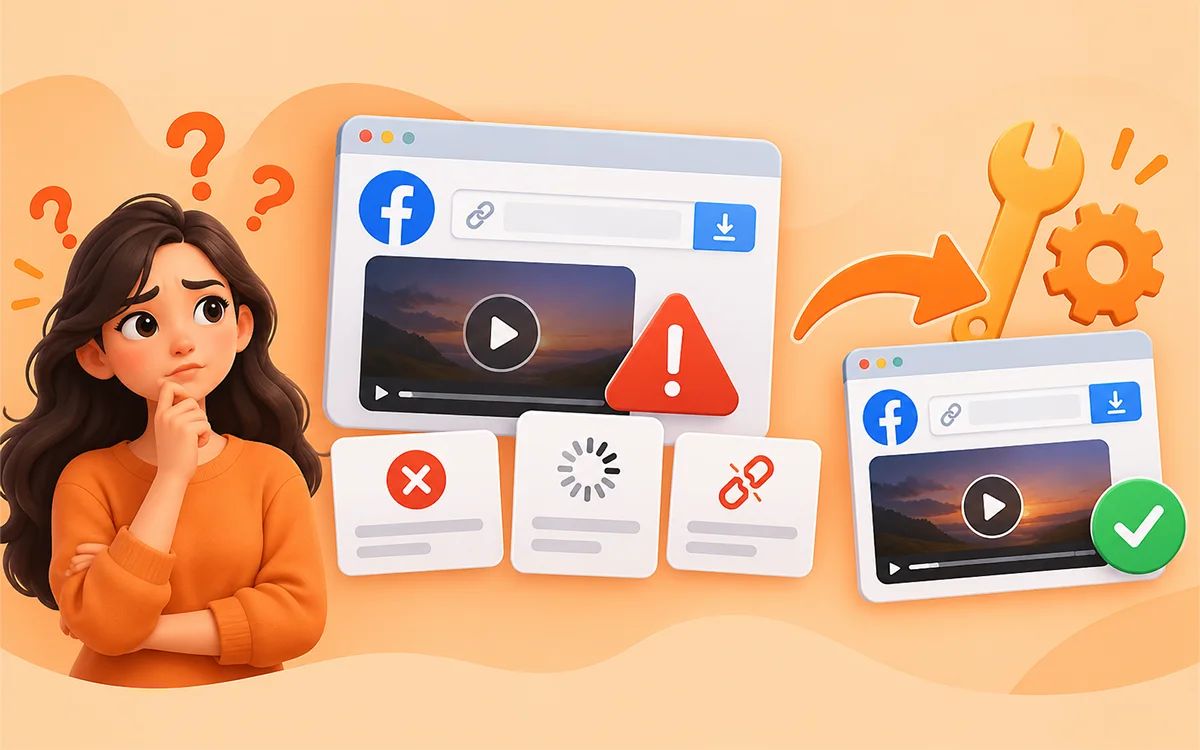
Stuck in a situation where you are trying to save a Facebook video but every time in vain. No doubt, it really frustrates a person. You copied a link and pasted it into a downloader, but what… Nothing happens. There can be different notifications a tool may show you for the failure.
As always, there is a solution to every problem. We tested all the ways to bypass the problems you face while saving your Facebook content online. In this guide we will discuss all the common reasons for the unsuccessful downloads and what you can do about them.
If you are looking for the fastest ways to save supported Facebook videos, you can also use our Facebook Video Downloader.
Why Is My Facebook Video Not Downloading?
We cannot claim that there is any single cause why a Facebook video won’t download. Behind different failures can be various reasons. Here are some of the common causes you can face.
| Problem | What it usually means | What you can try |
|---|---|---|
| Invalid URL | The copied link is not a usable Facebook video URL | Copy the link again |
| Private video | The video is not available publicly | Use a public video or get permission |
| Downloader keeps downloading | The video may not be accessible, or the downloader is struggling to process | Refresh and try again later |
| No download button | The video could not be detected | Check the URL and try another browser |
| Poor video quality | The source does not provide a higher quality | Try another available quality |
| Facebook Reel won't download | Reel URL or access method may differ | Copy the Reel's direct link |
| Video was deleted | The original is not available anymore | Find another legitimate copy |
| Browser issue | Cache, extension or temporary browser problem | Try private browsing or another browser |
| Temporary service problem | The downloader may be experiencing an outage | Wait and try again |
| Restricted content | Facebook limits access to the content | Download the content you have permission for |
Make Sure You Get the Correct Facebook Video Link
One of the fastest ways is to check if you copied the right URL of the video. When you share a post on Facebook, the link isn’t always the same. The URL depends on where you copied it from. You may mistakenly copy the URL of a profile, a post or a page instead of the direct video page. Before you try anything else, copy the link again.
Fix It On Your Phone
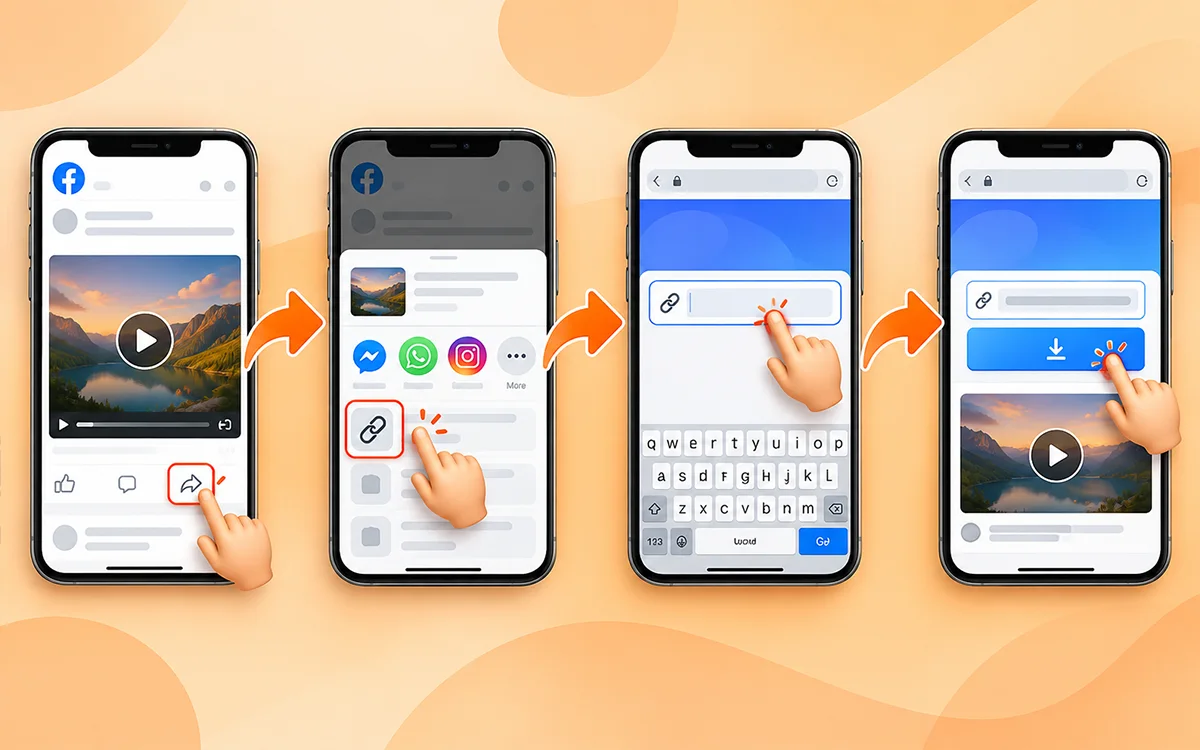
- First open the Facebook video and tap Share.
- Select Copy link.
- Go to hdvideosaver.com.
- Now paste the link into the box and start the download process.
Fix it On Your Computer
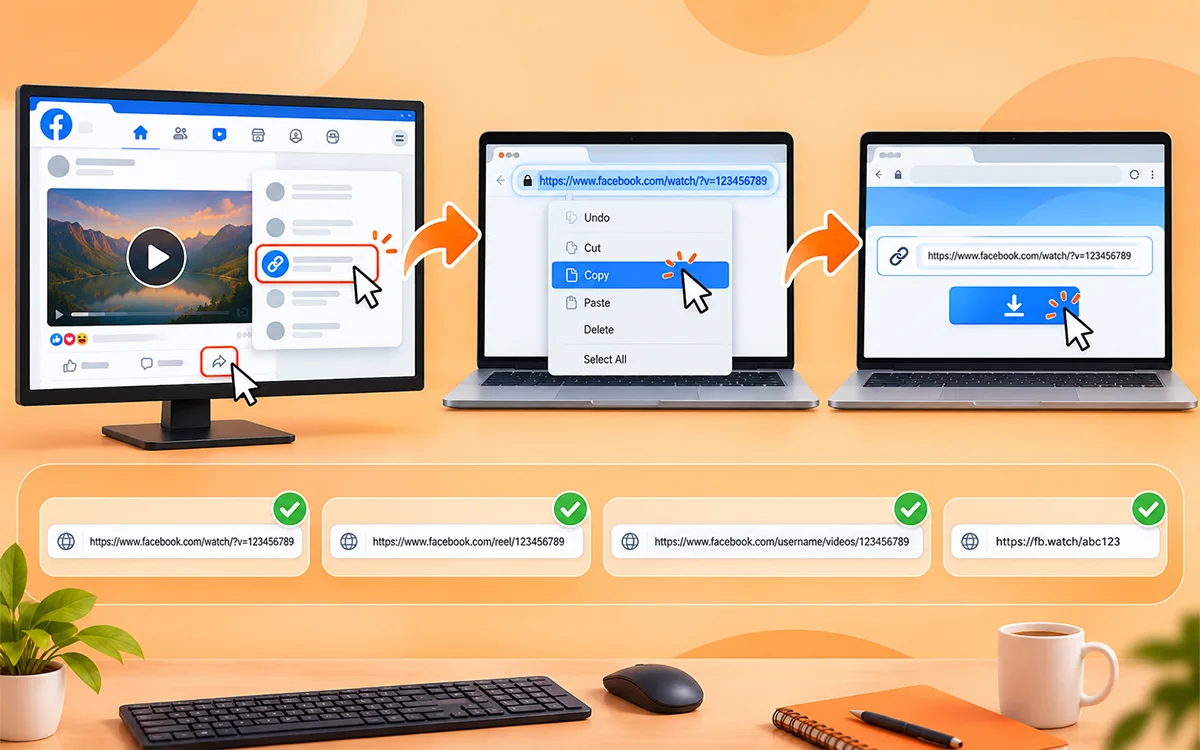
You need to open the Facebook post in your browser to get the address. Then paste it into the downloader. It is always worth it to do so even if you think the URL is correct. A fresh copy sometimes solves the problem.
URL that Works
- https://www.facebook.com/watch/?v=123456789
- https://www.facebook.com/reel/123456789
- https://www.facebook.com/username/videos/123456789
- https://fb.watch/abc123
Check that the Facebook Video Is Public
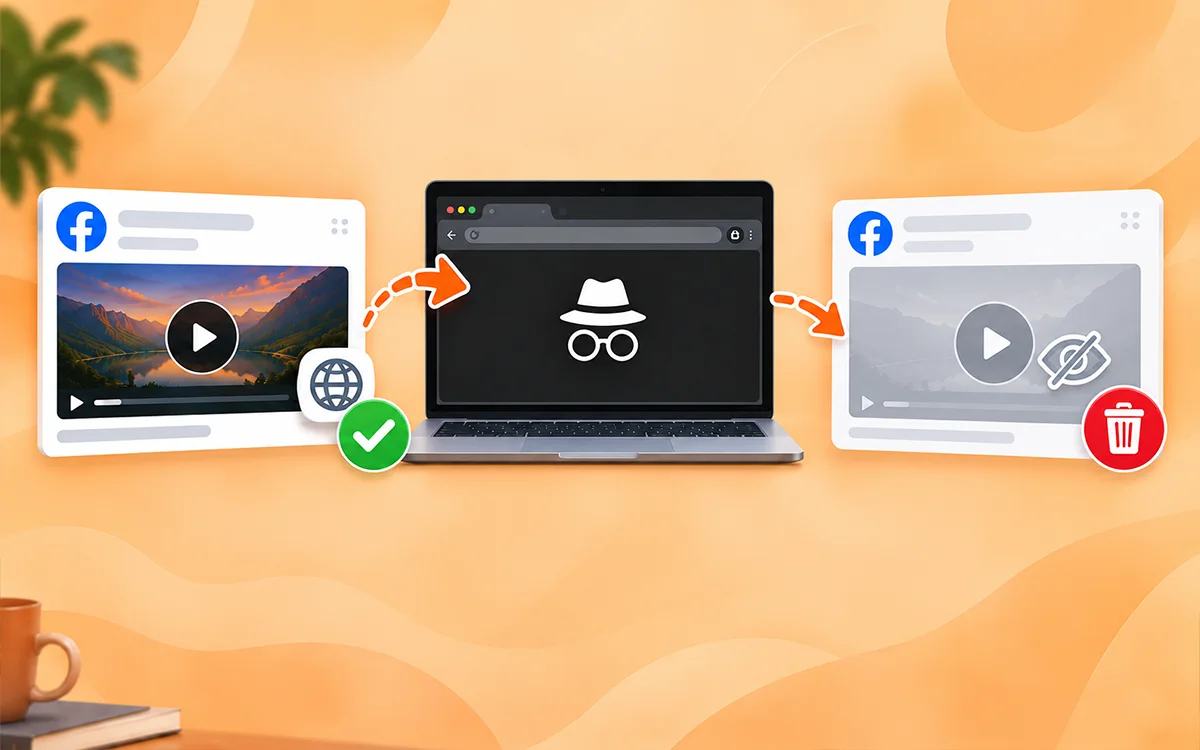
This is important to notice. An online video downloader needs to access the content from its publicly available URL. A downloader may not help you if Facebook asks you to have permission to access any content. For example, the problems are with the:
- Videos that are shared with friends only.
- Private profiles.
- Closed or private groups.
- Posts with access restrictions.
- Content that requires permission.
- All the removed videos.
A plain way is to open the link in an incognito browser window. If it does not open without the Facebook login there then a downloader cannot open it too. Do not try to ignore the privacy or access controls. The right way is to ask the owner for permission.
Trying To Download a Facebook Reel
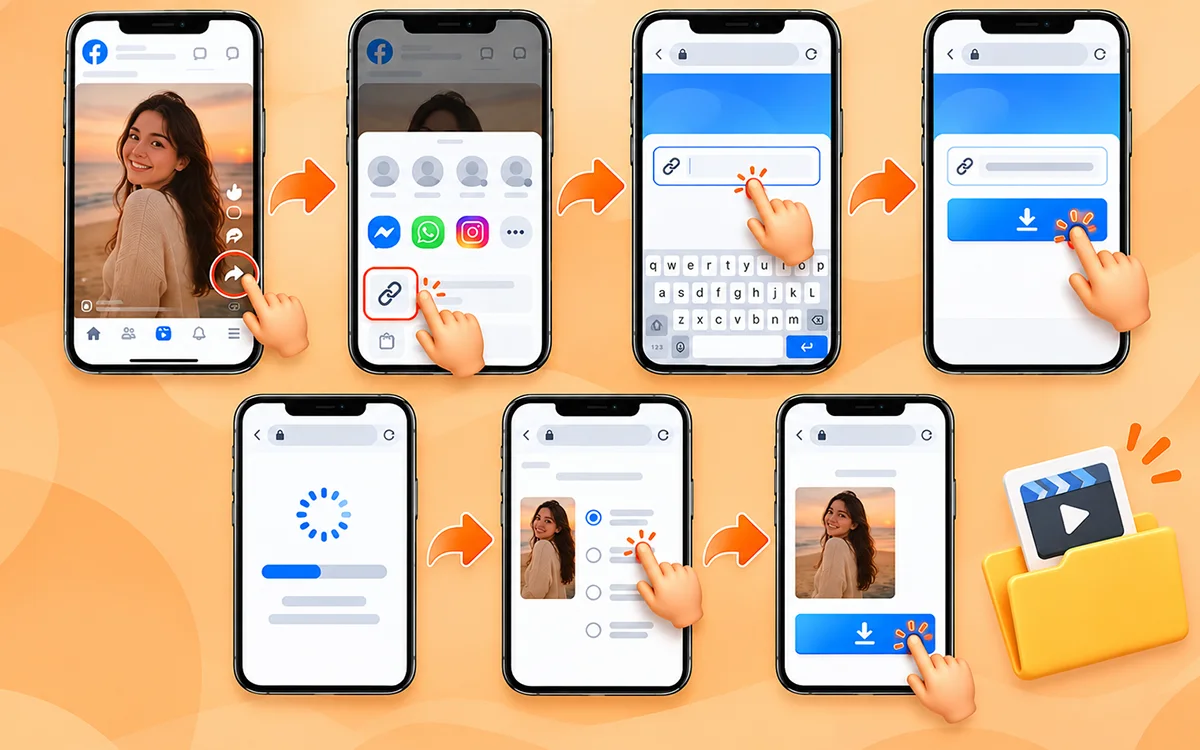
Facebook Reels works different from videos. If you want to save it, make sure you copy the link from it instead of copying from another page. Try this if the reel is public and the link is correct.
- Press Share after you open the Reel.
- Then choose Copy link.
- Now paste the URL into the input field.
- Wait for the information to gather.
- Then choose an available quality and save the file.
Try the Link Again
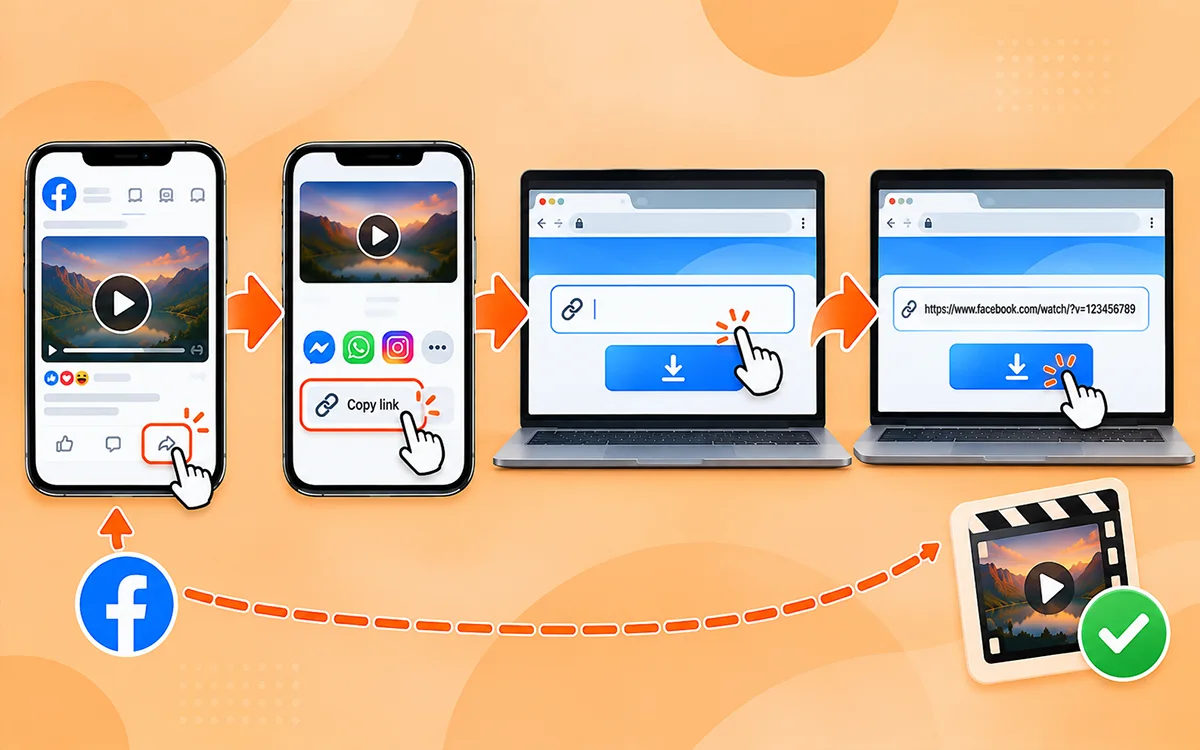
Sometimes the problem is nothing. Temporary network interruptions can result in an incomplete copy of the link. Facebook can also redirect or change the page when you are copying. Instead of pressing the download button again and again, try this.
Facebook → Open video → Share → Copy link → VideoSaver → Paste → Download.
This gives the tool a new URL instead of repeating the same failed request.
Check Your Internet Connection
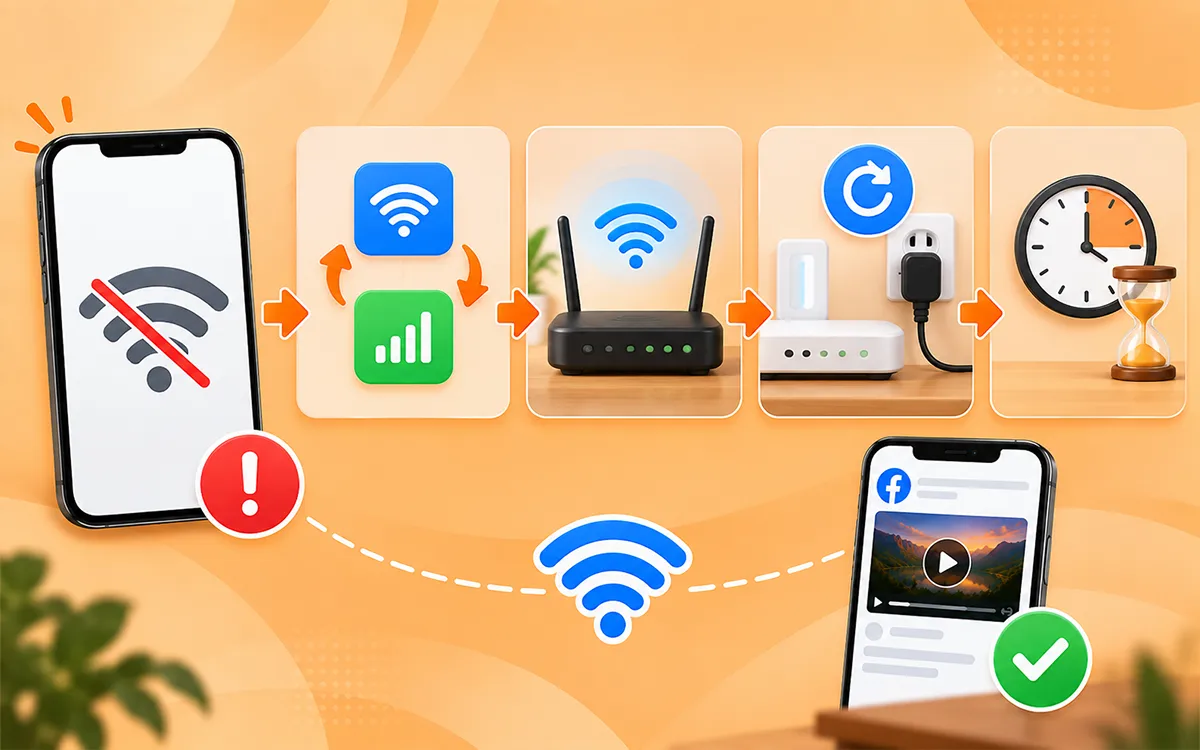
You need a stable internet connection to save an online Facebook video. If you see that your connection keeps switching between WiFi and mobile data, then the server may not be able to save the file. Try these fixes.
- Switch from WiFi to mobile data and vice versa.
- Move closer to your WiFi router.
- Restart your connection.
- Wait a few minutes before you try again.
Clear Your Browser Cache or Try Private Browsing
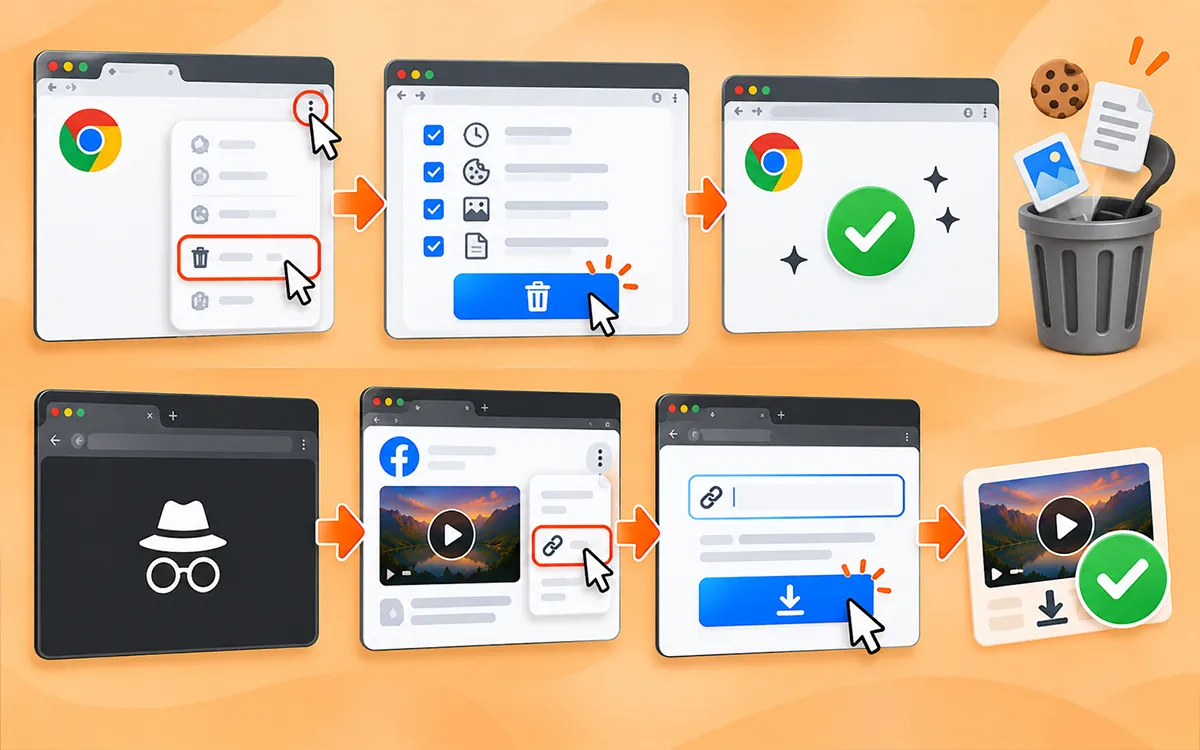
Your browser saves temporary files, cookies and website data. Sometimes that stored data may affect the download process, and it behaves strangely. You do not need to clear the whole cache history. The quick test is to open VideoSaver in a private window.
- Open a private browser tab and visit VideoSaver.
- Again, copy the Facebook video URL.
- Paste it into the downloader.
- And try the download.
If this method works in private browsing but not in your normal browser, then a cache file or browser setting may be responsible.
Temporarily Turn Off Browser Extensions
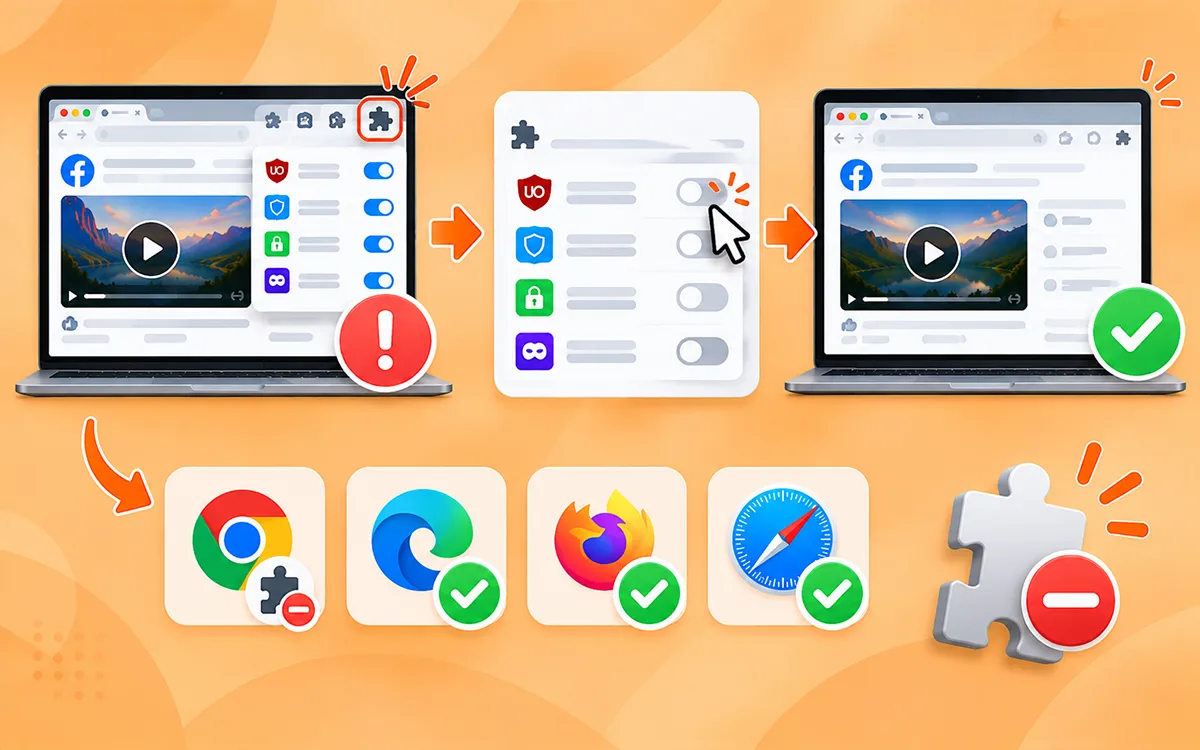
Browser extensions can interfere with download buttons, scripts or page elements. Ad blockers and privacy tools may also change how websites load. If Facebook video downloads are not working, try to open the downloader in a browser without any extensions. You can also try different browsers such as Edge or Safari instead of Chrome. You should know that the problem is with your extension if it works there.
Check if the Facebook Video Was Removed by the Owner
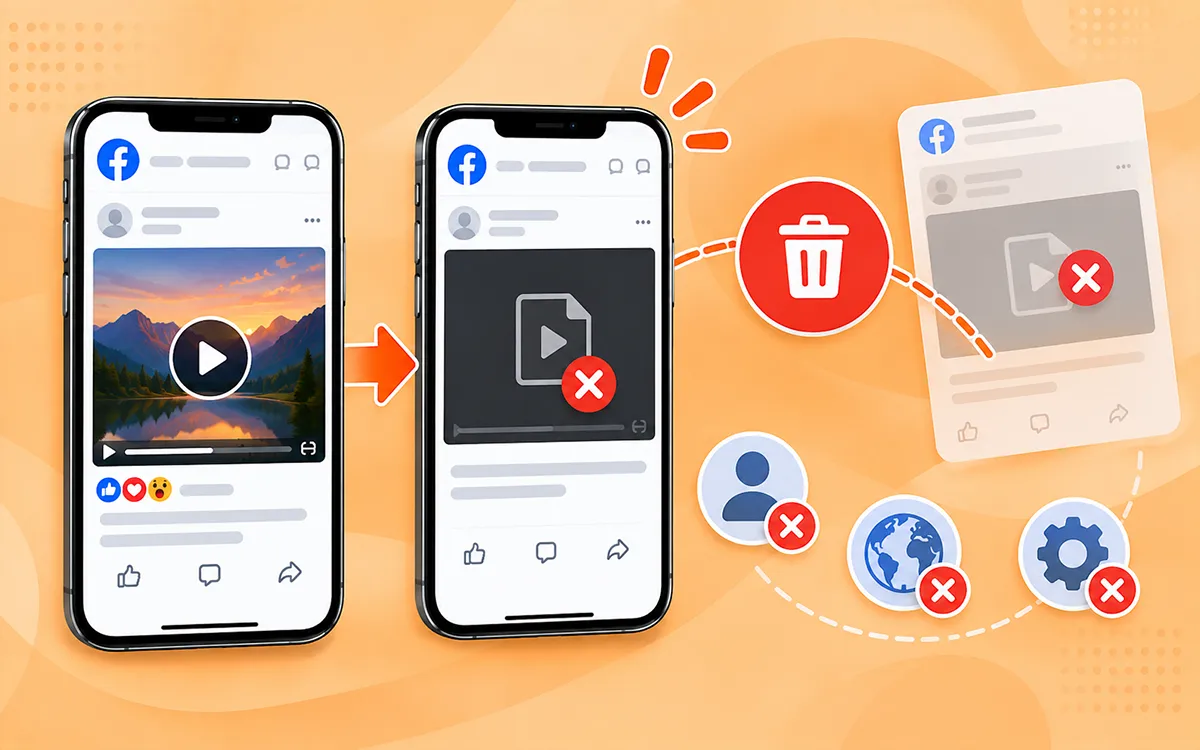
You may still be able to see the post URL even after it has been removed. If you click the video and Facebook does not play it, a downloader may not help you to save that content. This can happen when.
- The creator deleted the post.
- Facebook removes the content.
- The account is deleted.
- The privacy setting of the post changed.
- The video is unavailable in your region.
Before you start troubleshooting the downloader, ensure that Facebook still plays the video. Find the original creator's current post if it does not.
Check the Video Quality You Select
It happens sometimes that the server works, but the results are not as expected. You may expect a Full HD option but see a lower quality choice. This is because the online downloader can provide the quality available from the source. You cannot save it in a higher quality than the original.
| Quality | Best For |
|---|---|
| 360p | Small files and slower connections |
| 480p | Basic phone viewing |
| 720p | HD viewing and social sharing |
| 1080p | Larger screens and higher-quality playbacks |
| Higher Resolution | Only when provided by the original source |
Maybe Downloader is Temporarily Down
It happens that the problem isn’t on your end. Facebook can change how its pages, video URLs, or media delivery systems work. If this is the case, then a downloader may need time to adapt. If:
- Your internet connection is working.
- Facebook itself is playing the video.
- The video is public.
- You have copied the right URL.
- You have tried another browser.
But still the server cannot process the link, the issue may be temporary. Give it some time and try again.
Final Thoughts
The problem is not always the downloader when you cannot download Facebook content. You should start by checking the URL, internet connection, and the availability of the video. Make sure to copy the link if you are saving a Reel. If one video downloads but the other does not, the problem is with the video. Everything looks fine but the downloader does not work; give it some time. Changes in the delivery system of Facebook can affect external tools.
If you are confused about what method you should go for to download the content, check our guide on How to Download Facebook Videos.
Frequently Asked Questions
What if Facebook Video Downloader says "Invalid link"?
An invalid link means the server cannot access the link you entered. The best practice to solve this is to go back to Facebook and copy the URL again. If it does not work, then try another post.
What if the download starts but never finishes?
There can be various tests you can perform. Refresh your server page, copy the URL again, or check the internet connection. If other videos are downloading, then the problem is with that specific post.
Why isn’t my Facebook downloader working?
There are numerous reasons but a common one can be an incorrect URL, a private post, or changes on Facebook that affect how someone can access the video.
Why is a Facebook post showing as unavailable?
This may be because the creator has removed the video or the content is restricted in your region. The other reason can be that the video was moved to private content before you save.
Why is my downloaded Facebook video low quality?
The download quality depends on what is available from the source. If low resolution is available, a downloader will not support high resolution.
Why does one Facebook video work but others don’t?
It is because different videos may have different privacy settings and URL structures. A working video does not mean remaining too.